Most people who run church sound were not trained for it. Somebody showed them where the power switch was, which fader was the pastor, and left. If that is you, this guide is the place to start.
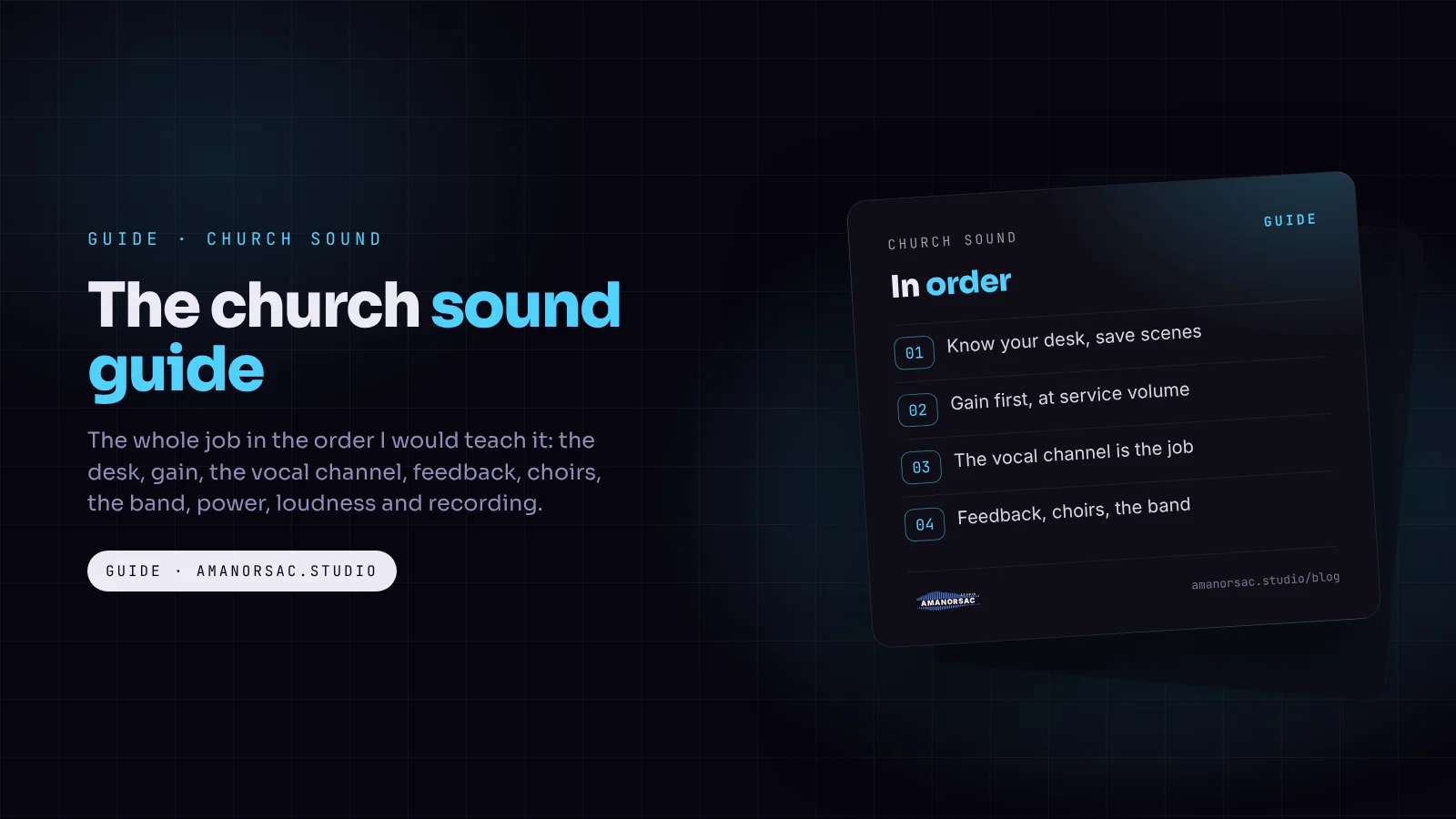
It covers the whole job in the order I would teach it: the desk, gain, the vocal channel, feedback, choirs, mixing the band, power and gear, loudness, and recording. Each section gives you the core idea here, and links to a full post when you want the detail.
1. Know your desk
Whatever the brand, every mixer does the same few things: it takes each microphone in on a channel, lets you set how loud it comes in (gain), shape it (EQ, compression), send it to places (the main speakers, the monitors, the stream, the recording), and set its level in each place.
Digital desks add two things that change everything for a church: scenes, which save the whole desk so next Sunday starts where this one finished, and remote control from a tablet, so you can mix from the middle of the room.
- Mixing on the Midas MR18: a complete walkthrough of one of the most common church desks, with six free cards.
- Which iPad and router for the MR18: why the built-in Wi-Fi drops out and the fix.
2. Gain first, every time
Gain sets how loud each microphone comes into the desk. Get it wrong and nothing after it works: too low and you push the fader to the top and still cannot hear it, too high and it distorts and feeds back.
Set gain while each person sings or plays at full service volume, not at soundcheck volume. Aim for the meter sitting around the lower third with the loudest moments reaching the upper third, and never touching red. Then switch on the low cut (high-pass filter) on every channel except kick drum and bass.
The MR18 guide has the method with pictures, and it works on any desk.
3. The vocal channel is most of the job
In church the words are the point. If the people can hear and understand every word of the lead vocal and the sermon, most of the service is working.
The order on a vocal channel: gain, low cut around 100 Hz, a compressor that takes 3 to 6 dB off the loudest lines, then small EQ moves, and a short reverb send for singing (never for speech).
- Mixing gospel vocals and choirs: the lead first, then the choir, without mud.
- Mixing a preacher and an interpreter: when the sermon comes in two languages.
4. Feedback
That howl or ring is a microphone hearing a speaker and amplifying itself. It is the thing congregations notice most, and it is almost always fixable without turning down.
The order of fixes matters: microphone position and technique first, then speaker and monitor placement, then fewer open microphones, then EQ, and only then a feedback suppressor.
- How to stop feedback in church: the full method, including the pastor's lapel mic and ringing out monitors.
5. Choirs
Choirs are where church sound differs most from a band gig. A choir is many quiet sources spread over a wide area, which is exactly what microphones struggle with.
- How to mic a church choir: how many microphones for 10, 30, 60 or 100 singers, where they go, and why choir mics feed back.
6. Mixing the band
Start with the vocals and build the band around them, not the other way round. Keep instruments out of each other's way: the kick and the bass should not fight over the same low frequencies, and the keys and guitar should not sit on top of the voice.
- The mud-free mix card: where each instrument lives, on one printable card.
- Mixing an African praise band: when the bass is a lead voice and there is a talking drum, congas and a bell.
7. Monitors and in-ears
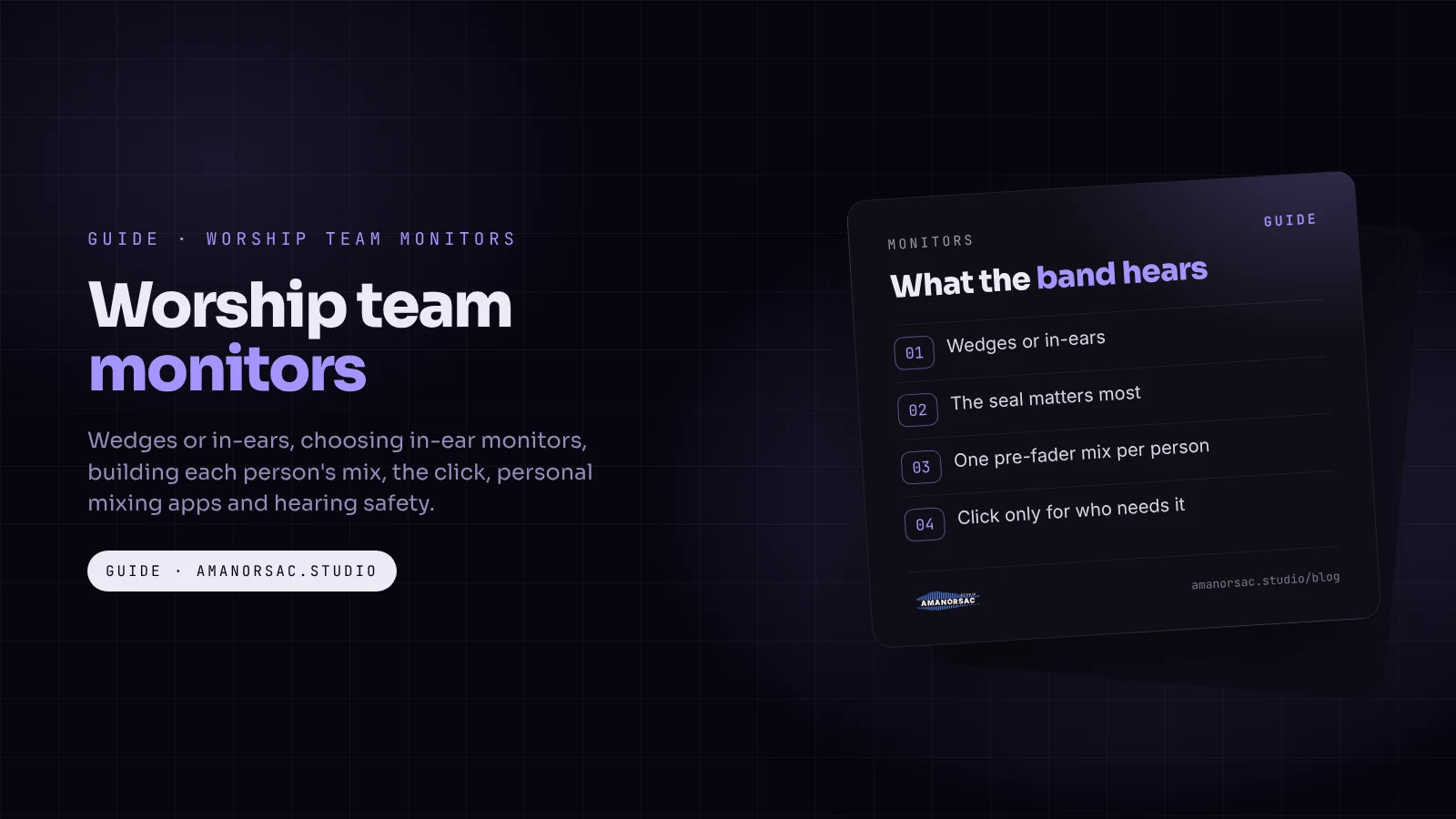
What the band hears decides how well they play. Monitor mixes are a separate job from the main mix, and they deserve their own planning.
- The worship team monitors guide: wedges, in-ears, click and each musician's own mix.
8. Power and gear
Bad power and neglect kill more church equipment than anything else. A stabiliser, a UPS on the mixer and a sensible power-up order prevent most of it.
- Church sound on generator and unstable power
- Keeping church sound gear alive: dust, humidity, rain and theft
- Is my Shure SM58 fake?
9. How loud?
Loud is not the same as good. Long services above 85 dB(A) put the team's and the congregation's hearing at risk, and in many cities they break the noise rules for the neighbourhood.
- Church noise limits in Ghana, Nigeria and Kenya: loud inside, legal outside.
10. Recording and streaming
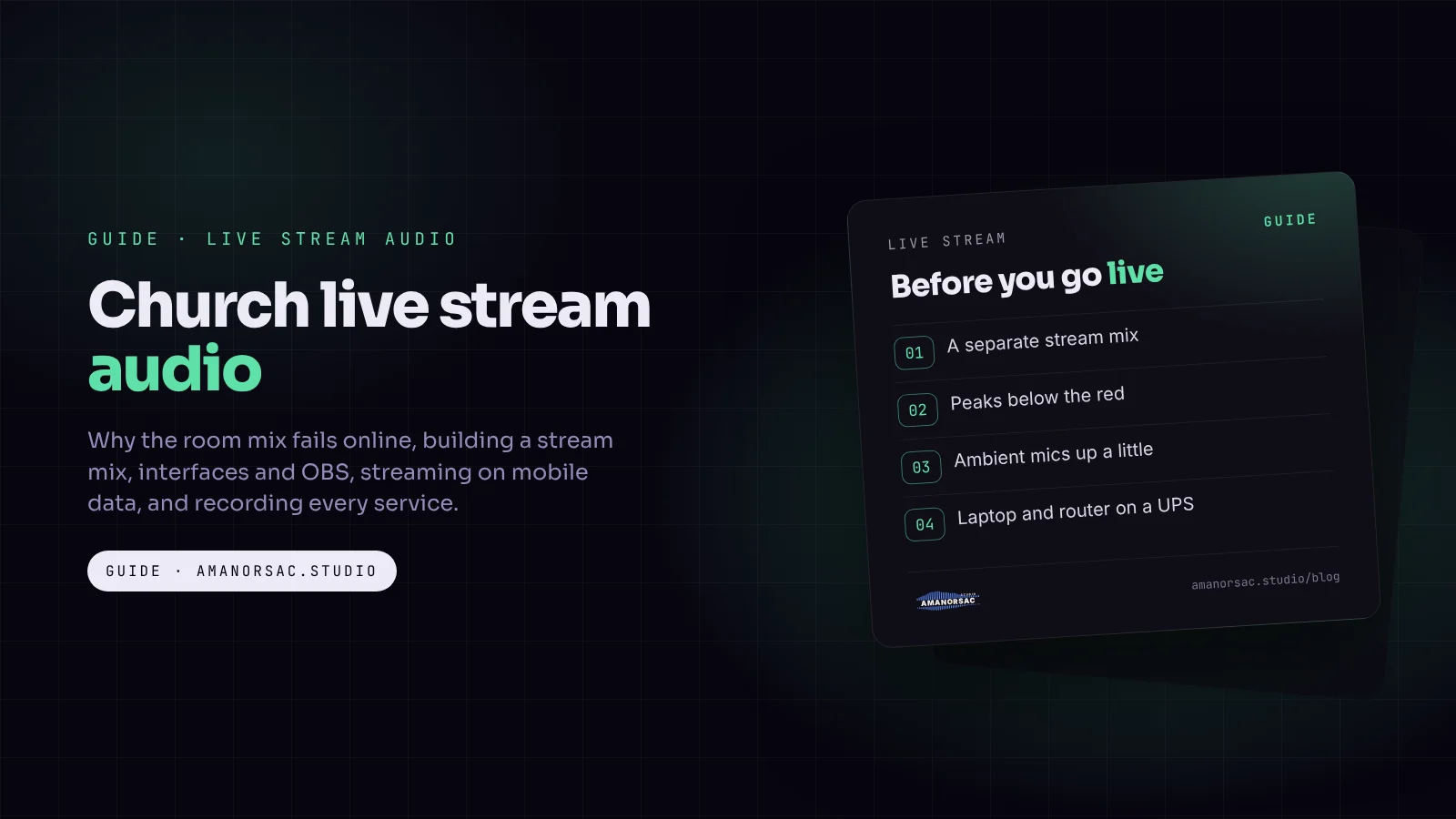
The stream and the recording need their own mix. The room adds the band for the people inside, so the main mix is usually too thin on instruments for anyone listening at home.
- The church live stream audio guide
- The live recording run sheet: a free printable sheet for recording a service.
A Sunday routine for the sound team
- Power up in order: desk and computers first, amplifiers and speakers last.
- Load last week's scene.
- Line check: every microphone and instrument makes sound.
- Set gain for anyone new, at service volume.
- Monitor mixes with the band, both in-ears in.
- Walk the room during the first song.
- Save the scene when it is right.
- Power down in reverse, cover the desk, lock things away.
Questions people ask
How do I learn church sound as a beginner?
Learn your desk, then gain, then the vocal channel, in that order. Practise during rehearsals, not on Sunday, and save scenes so you are not starting from zero each week.
What should I set first on a church mixer?
Gain, on every channel, with each person singing or playing at full service volume. Then the low cut on everything except kick and bass.
Why can't people hear the words in our church?
Usually the band is too loud for the vocals, the vocal channel is boomy, or there is too much reverb. Build the mix from the vocals out and keep reverb off speech.
How do I stop feedback from the pulpit microphone?
Fix microphone position and speaker placement first, then reduce open microphones, then cut ringing frequencies with EQ. A headset usually feeds back less than a lapel mic.
Do I need a digital mixer for church?
Not necessarily, but scenes and tablet control make a volunteer team far more consistent from week to week.
Written by Stephen Amanor Sackey — producer, mix engineer and music director, Virginia. More about the studio.
Studio news
Struggling to move forward in your music?
Guides from a working music director, written for the churches we actually work in: church sound, worship teams, free sheets for the desk, and the apps, with the free one first. A few letters a month at most, and every one has a link to stop.
You will get one email asking you to confirm. Your first app is 15% off when you join. Privacy.