For a lot of people, the live stream is the church. A member who has moved abroad, a grandmother who cannot travel, someone deciding whether to visit next week. And most of them are listening on a phone speaker or cheap earphones, where a bad mix sounds even worse.
The problem is rarely the camera. It is the audio, and it is almost always the same few mistakes. This guide covers them, and links to the full posts for each step.
Why the room mix sounds bad online
The main mix is built for the people in the building. They already hear the drums, the bass amp and the choir acoustically, so the engineer mixes vocals forward and instruments low. Send that same mix to the stream and the people at home hear a thin, vocal-heavy sound with almost no band, no congregation and no sense of the room.
The fix is a separate stream mix: its own balance of every channel, built for listeners who hear nothing but what you send them.
- Why church live stream audio sounds bad, and how to fix it: building a stream mix on an X32 or MR18, ambient microphones, compression for the stream, and getting the levels right into the computer.
Getting the sound into the computer
Between the desk and the streaming software there is usually an audio interface, or the desk's own USB connection. Choose one that can mix the desk feed with sound playing on the computer itself (called loopback), if you play videos or tracks from the same laptop.
- Audio interfaces for a church live stream: eight interfaces compared on the one spec that decides it, loopback.
Streaming on mobile data
In much of Africa, and in many smaller churches anywhere, the stream goes out over 4G or a MiFi, not fibre. Upload speed matters more than download speed, and data costs money every minute.
- Live streaming church on mobile data: how much data a service uses, settings for a weak connection, audio-only options, and surviving a power cut.
Two habits that help everywhere: audio first (a modest picture with clear sound beats a sharp picture with bad sound), and power protection for the laptop and the router, so a power cut does not end the stream.
The sermon on the stream
Speech is what people at home most want to hear clearly. Put a little more compression on the stream than in the room, so quiet moments still come through on a phone speaker, and never add reverb to speech.
If the sermon is interpreted, both voices need to reach the stream at the same level.
Recording the service
Recording every service is cheap insurance: for the archive, for the podcast, for clips, and for listening back to improve the mix. A digital desk with a USB connection can record every channel separately, so the mix can be redone later.
- The live recording run sheet: a free printable checklist.
- Mixing on the Midas MR18: recording every Sunday over USB.
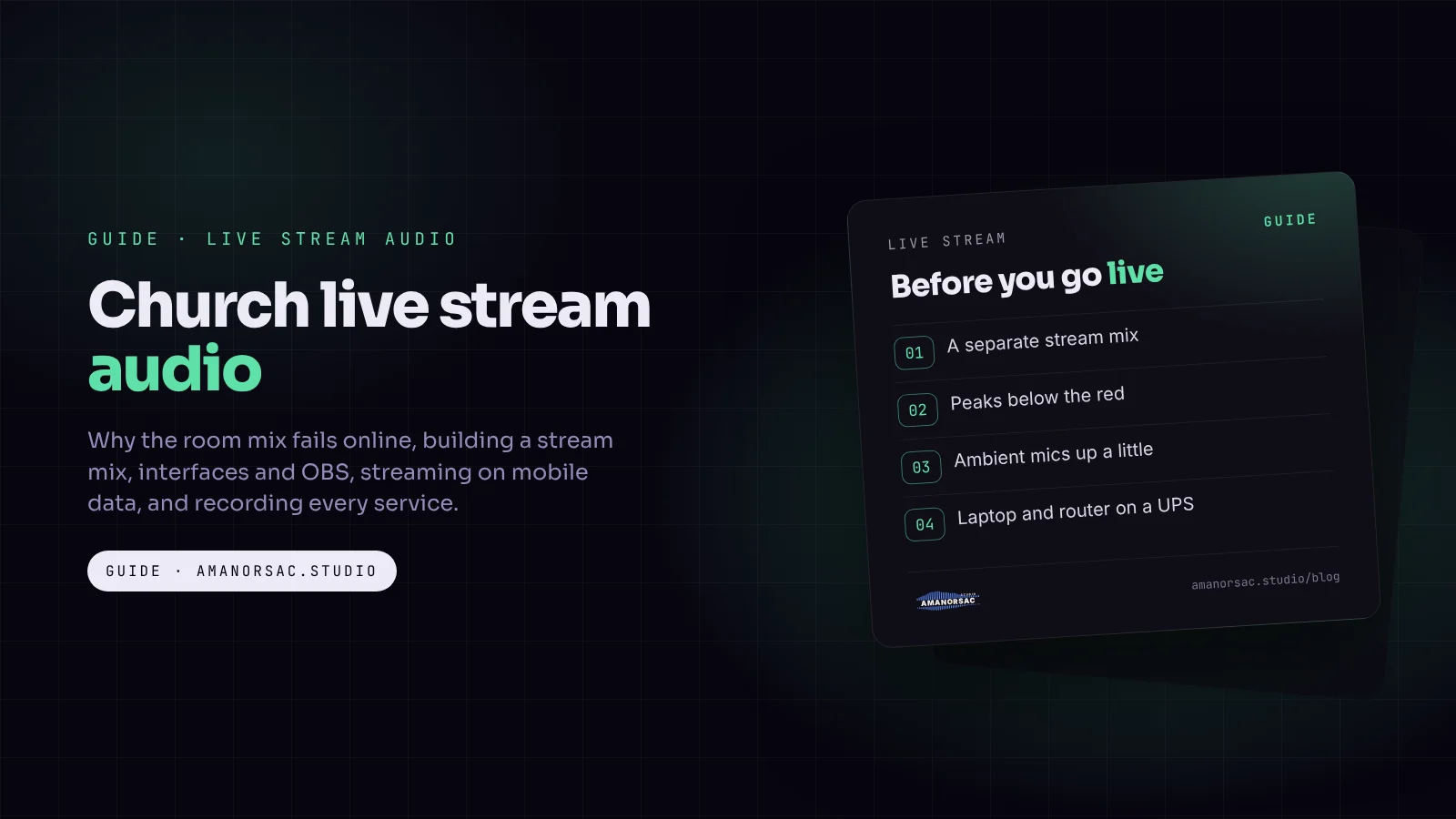
A stream check before every service
- Stream mix loaded on its own bus or matrix.
- Levels into the computer peaking below the top of the meter, never in the red.
- Headphones on the stream output, not the room, for the first song.
- Ambient microphones up a little, so the stream hears the congregation.
- Laptop and router on a UPS.
- Test the connection's upload speed before going live.
- A second person watching the stream on a phone, reporting problems by message.
Questions people ask
Why does our church live stream sound bad?
Usually because the stream gets the room mix, which is built for people who already hear the band in the building. A separate stream mix fixes most of it.
What is a stream mix?
A separate balance of all the channels, sent only to the stream, with more band, some congregation microphones and a little extra compression.
Can I live stream church with a phone?
Yes. A phone with a feed from the desk, rather than its own microphone, can give good sound on a small budget.
How much data does a church live stream use?
It depends on the video bitrate and the length of the service. Bitrate multiplied by time gives the data; the mobile data post works through examples.
Should the stream have reverb?
On singing, a little. On speech, none.
Written by Stephen Amanor Sackey — producer, mix engineer and music director, Virginia. More about the studio.
Studio news
Struggling to move forward in your music?
Guides from a working music director, written for the churches we actually work in: church sound, worship teams, free sheets for the desk, and the apps, with the free one first. A few letters a month at most, and every one has a link to stop.
You will get one email asking you to confirm. Your first app is 15% off when you join. Privacy.