
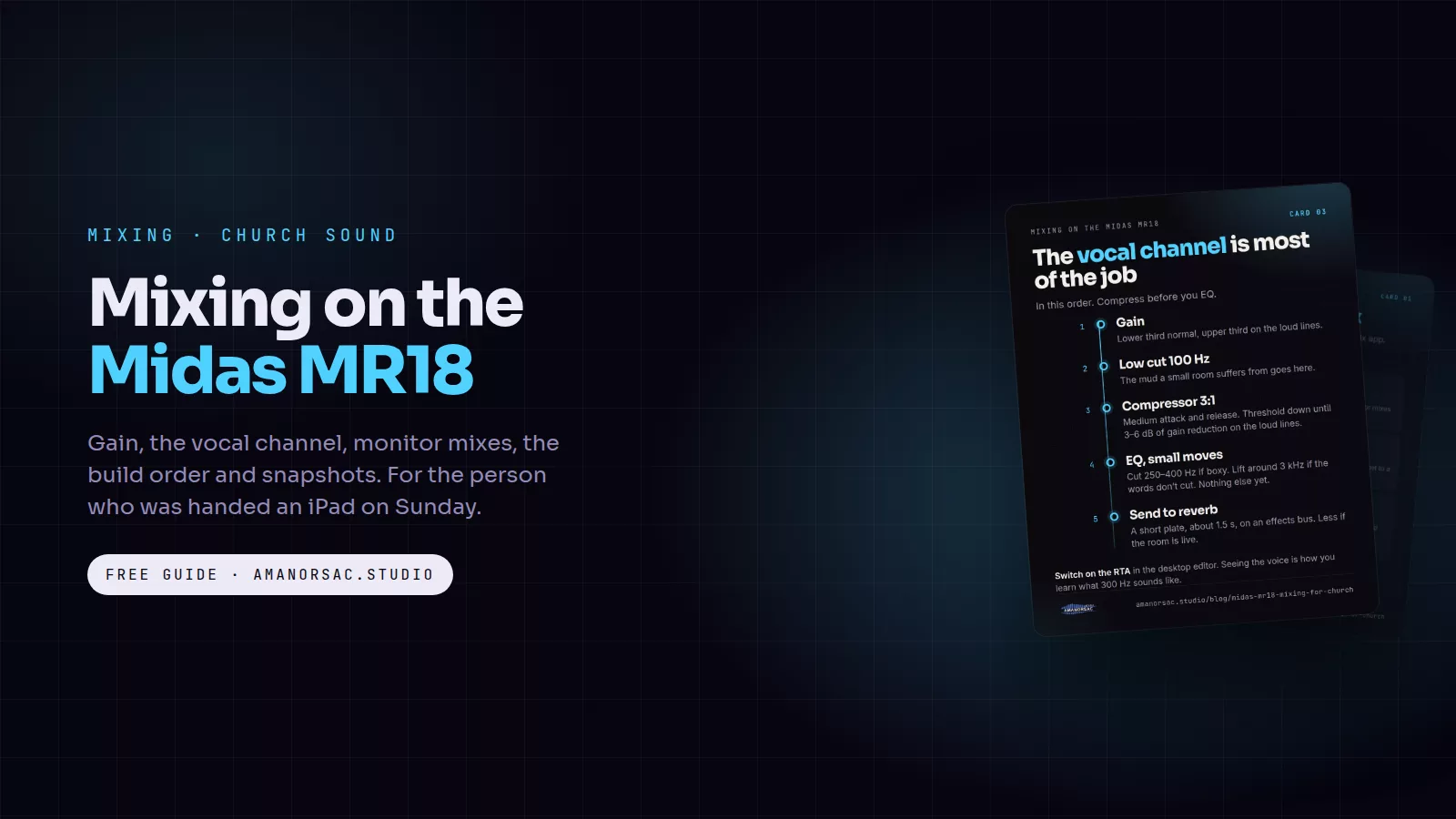
Enoch wrote to me last month and said, "I want to learn mixing with the Midas MR18." That is one of the best questions I get, because the MR18 is the desk a lot of churches end up with, and most of the people running it on a Sunday were handed an iPad and a prayer. This is the post I wish someone had given me the first time I stood behind one.
The cards in this post are free to save and share. Tap one to open it full size.
What you are actually holding
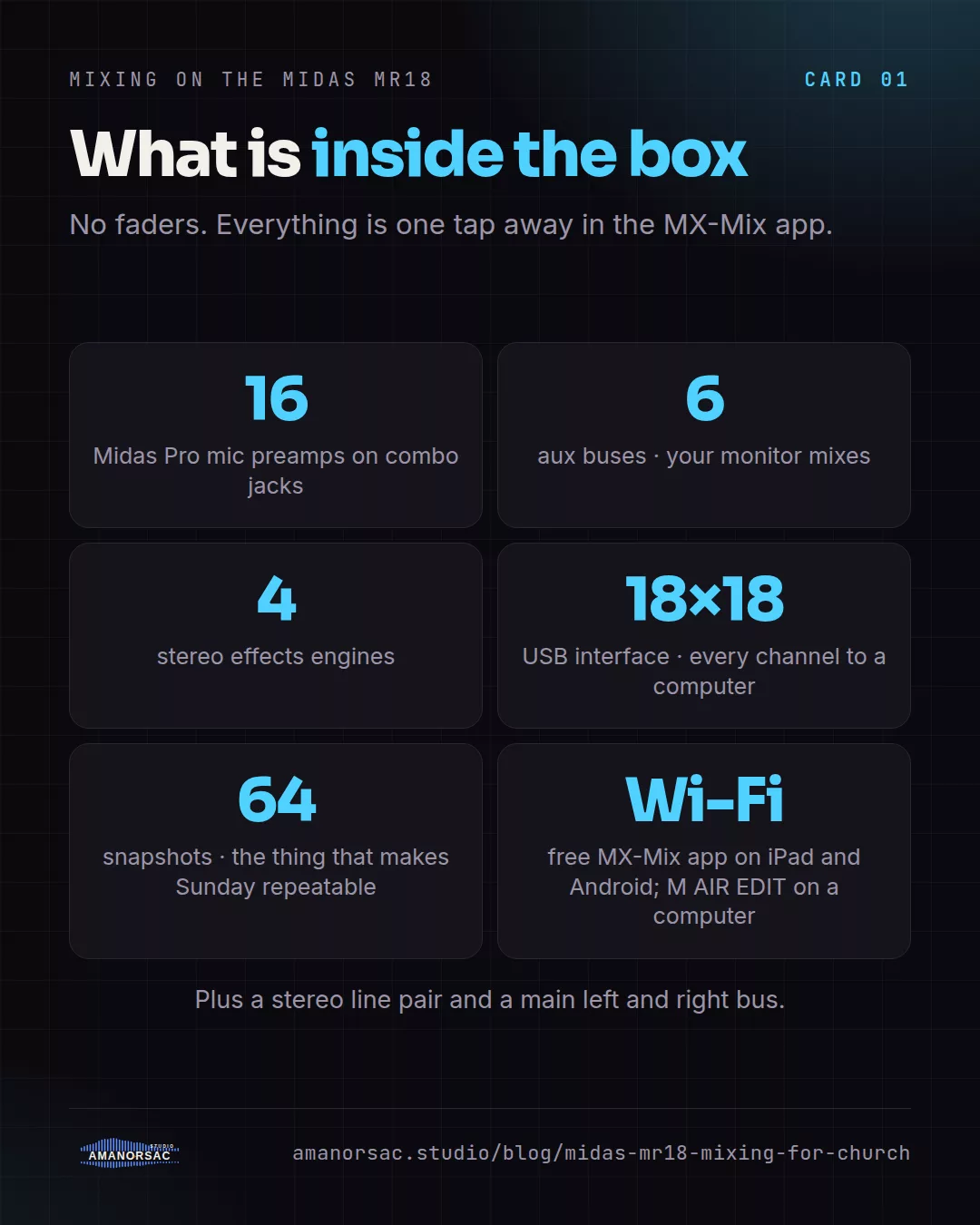
The MR18 is a digital mixer in a box with no faders. You mix it from a tablet, phone or computer over Wi-Fi using Midas's free M AIR app. Inside the box are 16 Midas Pro microphone preamps on combo jacks, a stereo line input pair, six aux buses, a main left and right bus, four stereo effects engines, and an 18 by 18 USB interface that sends every channel to a computer for recording. It also stores 64 snapshots, which is the feature that makes Sunday repeatable.
That last part matters more than the preamps. A desk you can save and recall is a desk a volunteer can run.
Day one: gain, before anything else
Everything downstream depends on the gain knob, and the M AIR app hides it one tap away, so people skip it. Don't.
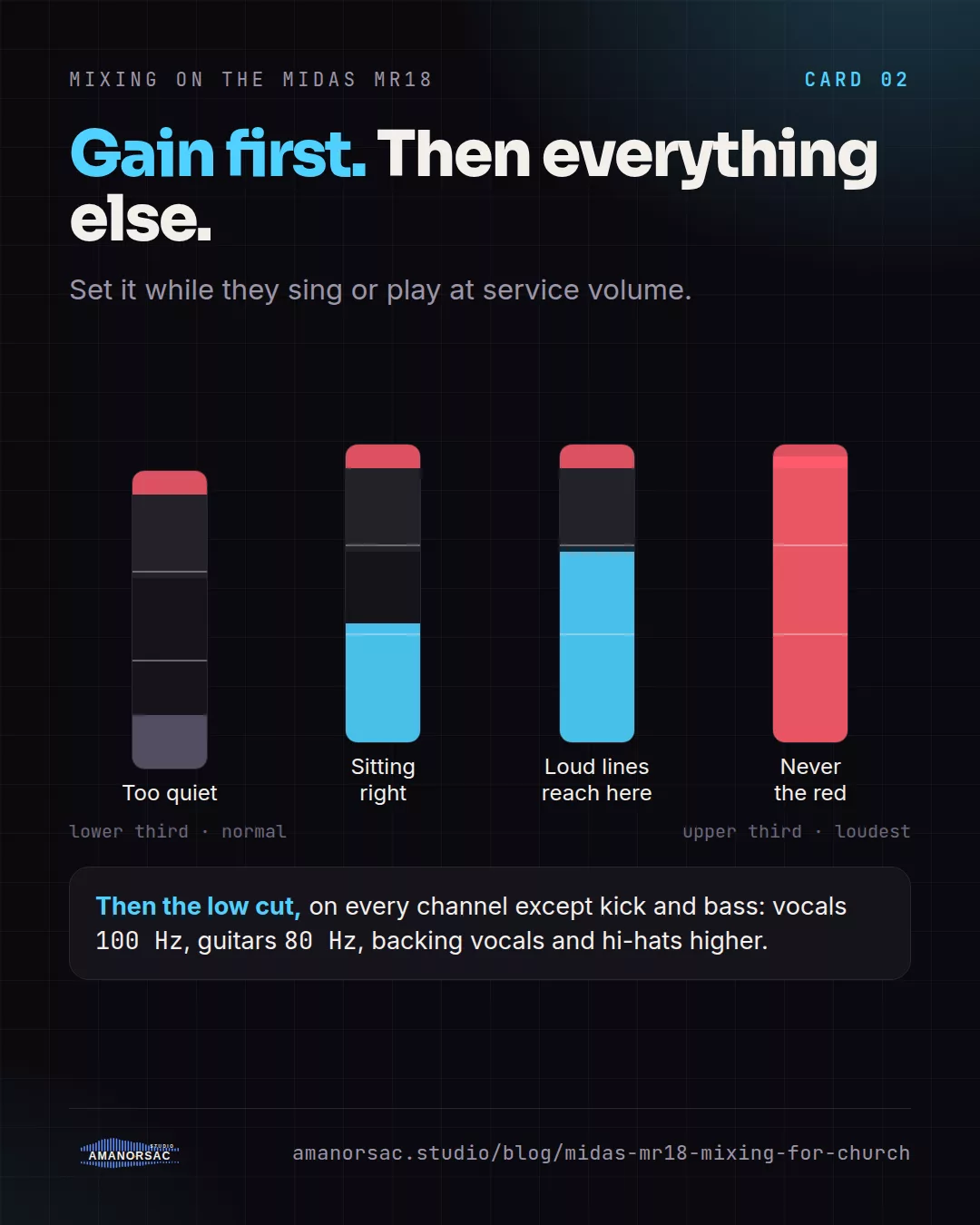
Open the input page for a channel and set the preamp gain while the singer sings or the drummer plays at service volume. You want the channel meter sitting around the lower third with the loudest moments reaching the upper third, and never touching the red. Do this for all 16 inputs before you touch an EQ or a fader. If a channel is too quiet at the fader, the answer is almost always gain, not the fader.
Turn on the low cut on every channel except the kick and the bass. Around 100 Hz is right for most vocals, 80 Hz for guitars, higher for backing vocals and hi-hats. This one habit removes most of the mud a small room suffers from.
The vocal channel, which is most of the job
In worship, the words are the point. Spend your learning time on the lead vocal channel and the rest follows.
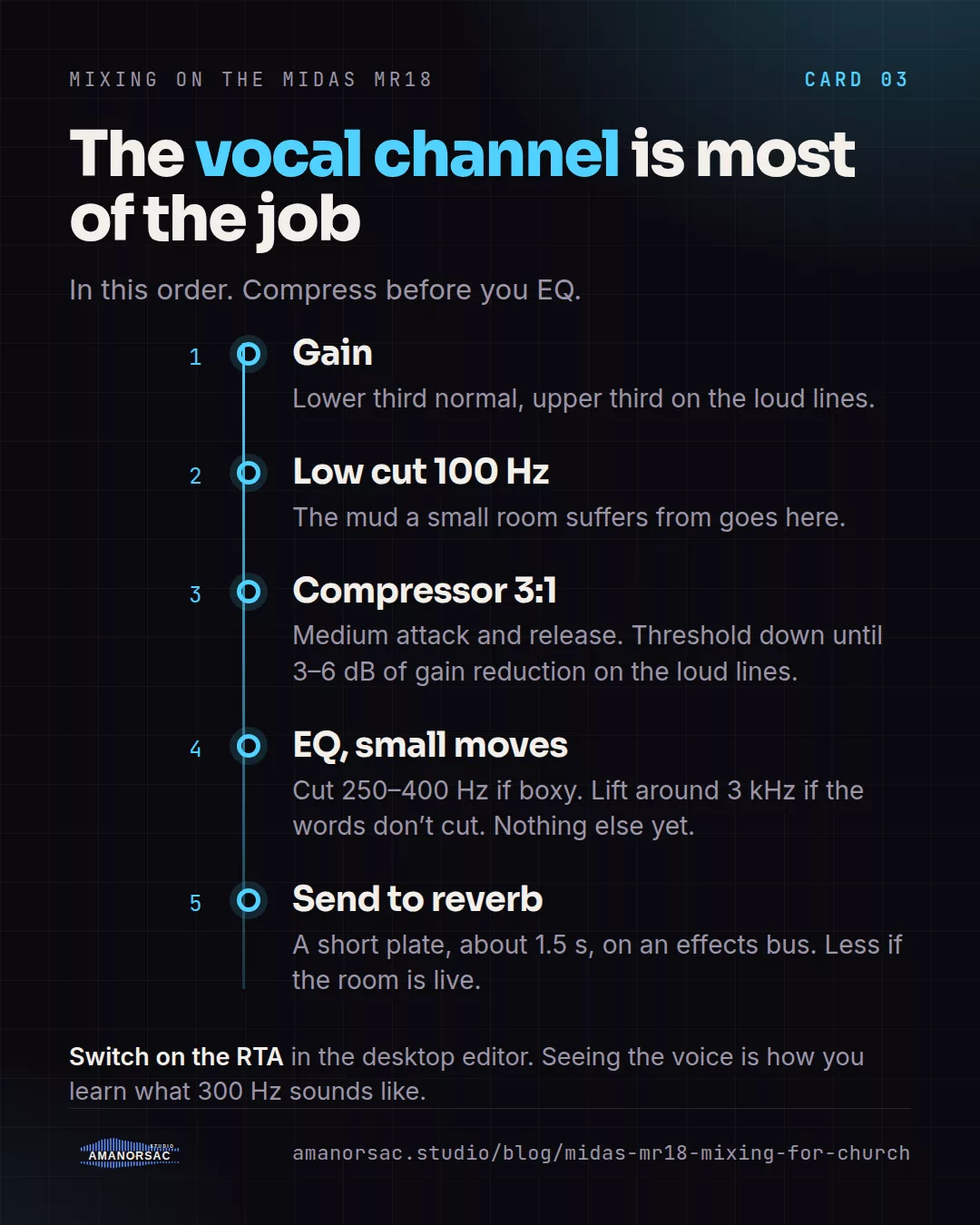
Gain, then low cut at 100 Hz. Then the compressor on that channel: a ratio of 3 to 1, a medium attack, a medium release, and pull the threshold down until the meter shows three to six dB of gain reduction on the loud lines. That is what keeps a singer from disappearing on the verse and jumping out on the chorus. Then EQ, and only after compression: a small cut somewhere between 250 and 400 Hz if the voice sounds boxy, a small lift around 3 kHz if the words are not cutting through, and nothing else until you can hear why.
The M AIR EQ page can show a real-time analyser behind the curve. Switch it on. Seeing the voice while you listen is the fastest way to learn what 300 Hz sounds like.
Monitor mixes without the fight
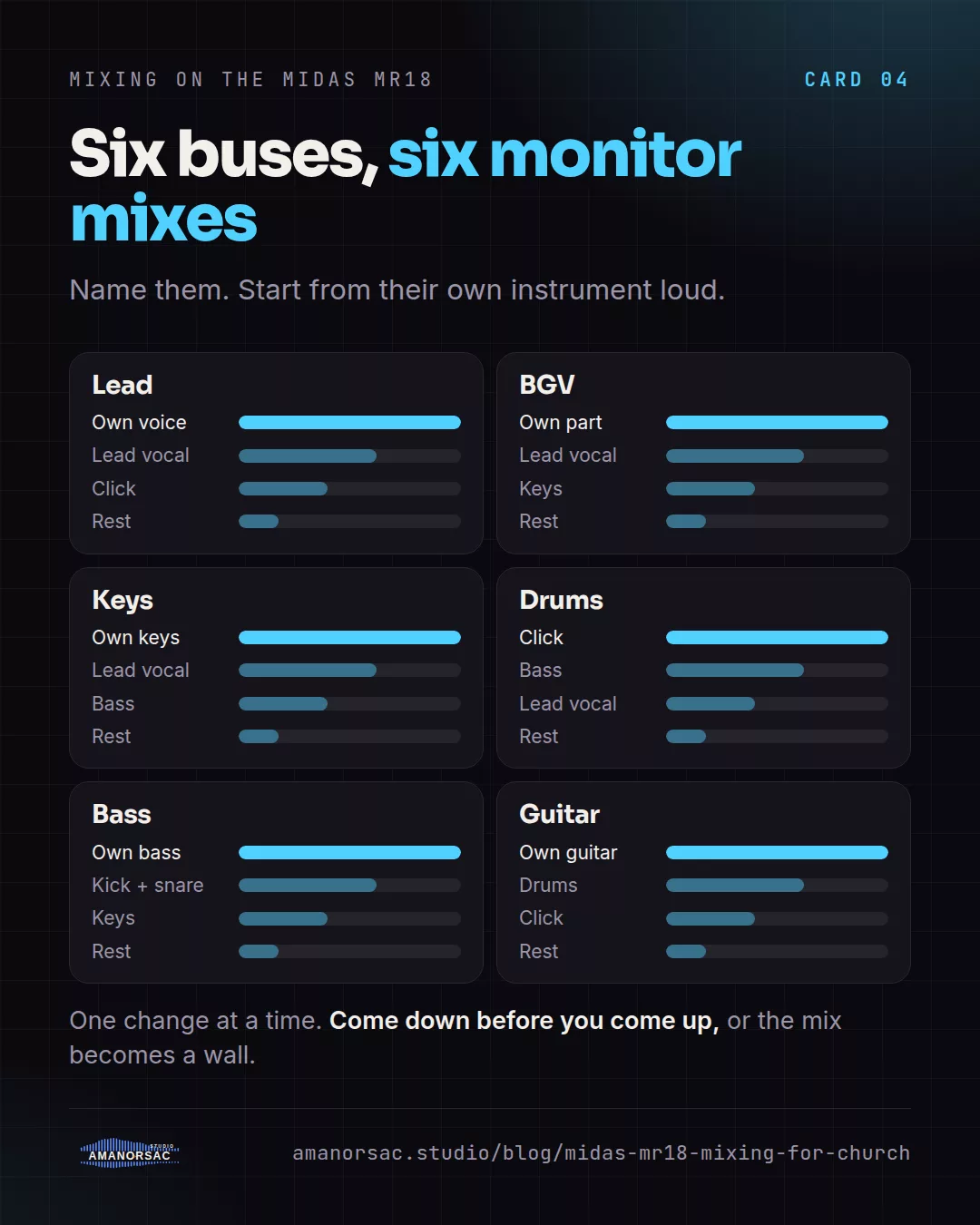
The six aux buses are your monitor mixes. Give each one a name on the bus page: Lead, BGV, Keys, Drums, Bass, Guitar. Then on each person's bus, start from their own instrument loud, the lead vocal next, the click if you use one, and everything else low. Ask for changes one at a time, and ask people to come down before they come up. A monitor mix that only ever gets louder ends up as a wall.
If the band uses in-ears on the Ultranet P16 system, the same thinking applies, just on their own boxes.
Build it in this order
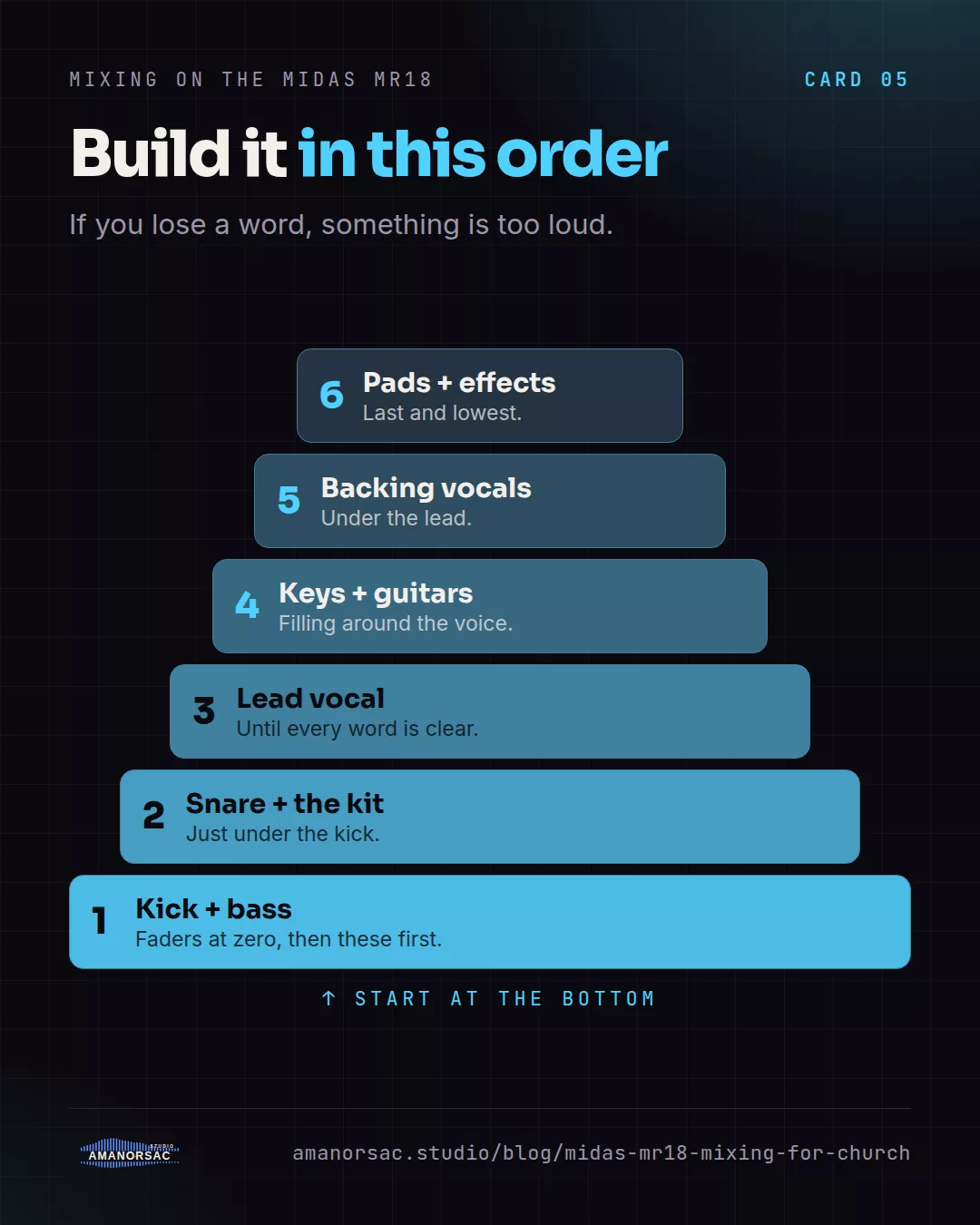
Faders at zero, then bring things in: kick and bass first, then snare and the kit, then the lead vocal until every word is clear, then keys and guitars filling around it, then backing vocals under the lead, then pads and effects last and lowest. If you lose a word, something is too loud. This is the same order I use in the studio, and the Mud-Free Mix Card has the settings.
Put the reverb on an effects bus, not on the channel, and send the lead vocal and backing vocals to it. A short plate at around 1.5 seconds is enough. If the room is already live, you may need less than you think.
Save it, name it, and never start from scratch again
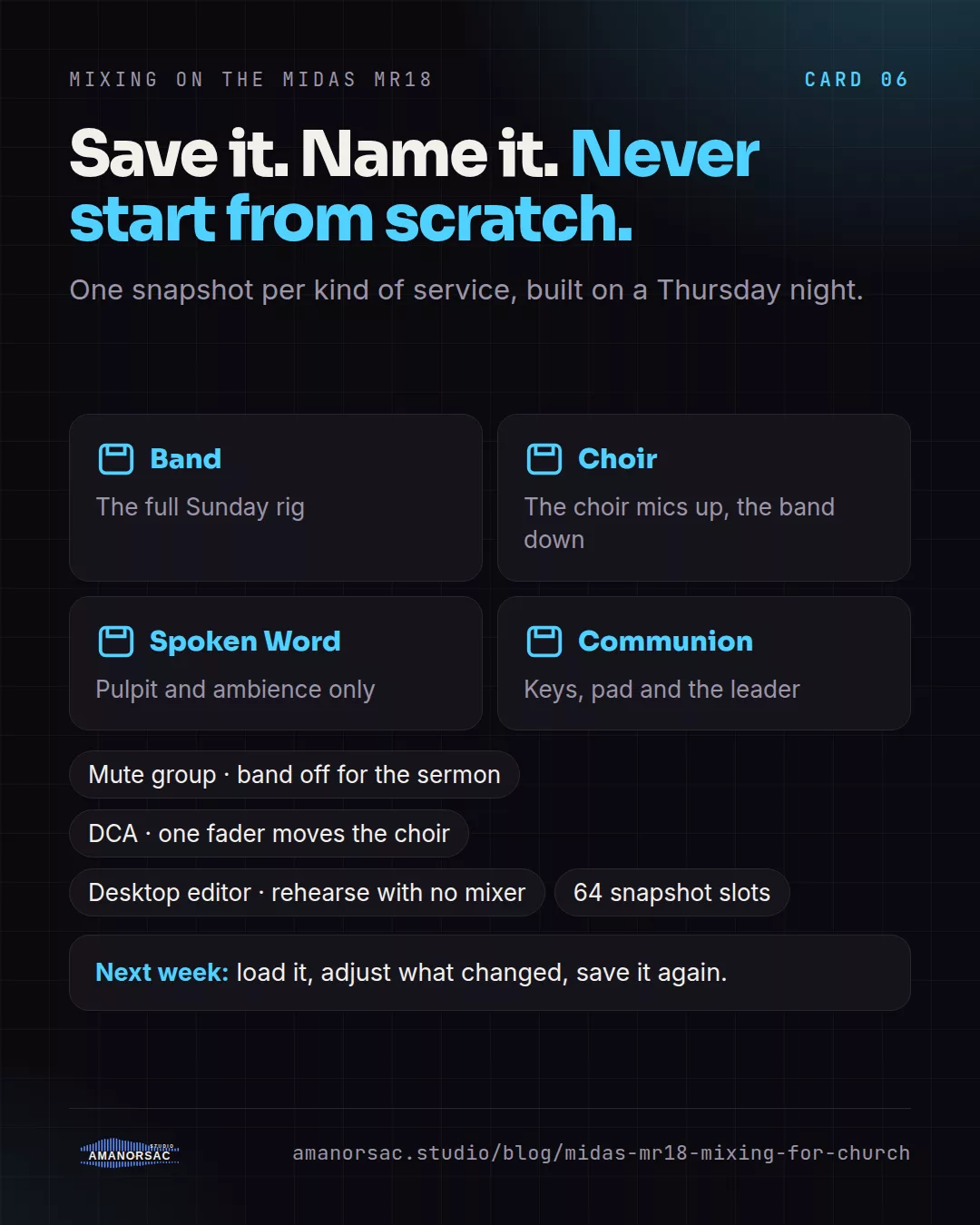
Once the service sounds right, save a snapshot and name it after the service. Next week you load it and only adjust what changed. Build a few: Band, Choir, Spoken Word, Communion. Mute groups and DCAs let one tap silence the band during the sermon and one fader move the whole choir.
The app also runs in demo mode with no mixer connected, so you can build and rehearse your snapshots on the sofa on a Thursday night.
Record every service
The USB port gives you all 18 channels into a computer. Record every Sunday, even if nobody asked. It costs nothing, it is how you learn what the room sounded like, and it is the raw material for live albums, highlight reels and the mixes people ask you for later. If you ever bring one of those recordings to me, Stem Sorter puts those 18 files on the right tracks of my template in under a minute, which is exactly what it was built for.
Where to learn more
The free Mud-Free Mix Card has the starting settings for gain, EQ, compression and reverb, by source. The Live Recording Run Sheet has the in-ear recipes by seat and the rehearsal plan. Both are free PDFs on this site.
If you want it taught on your own desk, I teach one-to-one online, on a video call with your MR18 in front of you and the M AIR app on screen. We work on your actual Sunday setup until it is a snapshot you can recall. Write to me through the contact page and tell me which day you'd like to start.
The Mud-Free Mix Card · The Live Recording Run Sheet · Book a session
Written by Stephen Amanor Sackey — producer, mix engineer and music director, Virginia. More about the studio.