
The pastor steps forward, the congregation leans in, and the speakers let out a howl. Every head turns to the sound desk. If you run sound in a church, you know that moment.
Most advice on feedback jumps straight to EQ, or to a box that promises to kill it automatically. Those have their place, but they come last. Most church feedback is caused by where the microphones and speakers are and how the mics are used, and the fixes that work best are free.
This is the order I work in, from the cheapest fix to the last resort. It covers the pastor's lapel mic, the preacher who walks in front of the speakers, the preacher who shouts, and a step-by-step ring-out on an X32 or MR18.
What is feedback, in plain words?
Feedback is a loop. A microphone picks up a sound, the desk makes it louder, the speaker plays it, and the microphone picks up the speaker. If the sound coming back into the mic is louder than it was the first time, it grows on every trip, and within a second you have a howl.
It is always one frequency, or a few, that goes first. Your room, speakers and mic each have peaks where they are a little more sensitive, and the loop runs away where those peaks line up. That is why feedback sounds like a pure tone: a ring, a whistle or a low hum that swells.
Two things follow. Anything that gets less speaker sound into the mic, or more voice into the mic, stops feedback. And EQ can only nibble at those few frequencies; it cannot fix a mic pointed at a speaker.
Is it feedback, or is it hum?
Feedback grows when you push a fader up, and stops when you pull it down or move the mic. A steady low hum that does not change with the mic fader is usually a ground loop, from gear plugged into several different outlets; a buzz is usually an unshielded cable (Live Sound International). EQ and feedback suppressors will not fix those. Check the power and the cables instead.
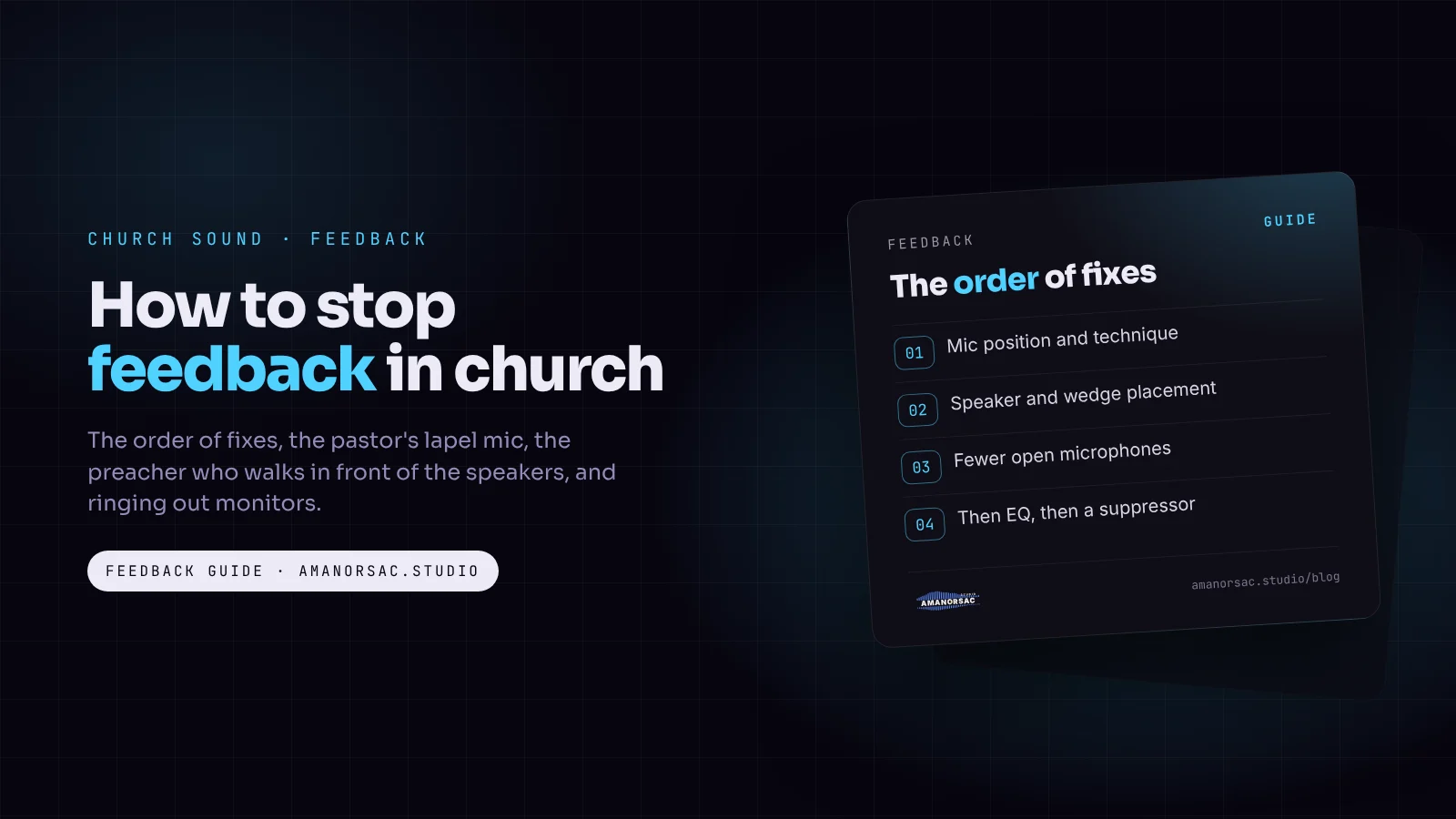
In what order should I fix feedback?
- Mic technique and mic position.
- Speaker and monitor placement.
- Gain before feedback: more voice into the mic, less gain on the desk.
- Fewer open mics.
- Ringing out with narrow EQ cuts.
- A feedback suppressor, as a last resort.
Each step makes the next one easier, and the first four cost nothing.
Step 1: How should people hold the microphone?
The closer the mouth is to the mic, the more voice the mic hears compared with the speakers. Every time you halve that distance, the voice at the mic gets about 6 dB louder. That is 6 dB less gain on the desk for the same level in the room, and 6 dB more room before feedback.
- Hold it close, a few centimetres from the mouth, not at chest height.
- Point it at the mouth, not at the ceiling.
- Never cup the grille. A hand wrapped round the top of the mic ruins its directional pattern and makes it feed back almost at once.
- Never point it at a speaker or wedge, even for a moment between songs.
A mic on a stand follows the same rules: close to the mouth and aimed at it, not at the singer's chest.
Step 2: Where should the speakers and wedges be?
A directional microphone hears least from one direction. A cardioid mic (most SM58-type vocal mics) is deafest directly behind it, so its wedge goes straight behind the mic, at the singer's feet. A supercardioid (the tighter pattern on many premium vocal mics) is deafest at about 125 degrees either side of the front, so its wedges go slightly off to each side. Check which your mics are and place the wedges to match.
For the main speakers:
- Keep them in front of the microphones, not behind or beside the pulpit, and pointed at the congregation, not the stage.
- Raise them and angle them down at the seats. A speaker that sprays the back wall sends sound back to the stage.
- Keep wedges as quiet as the musicians can work with. A loud stage is loud in every microphone.
If your band moves to in-ear monitors, a whole set of feedback paths disappears. My in-ear buying guide covers the gear, and MixMyIEM, our free app, lets each musician set their own in-ear mix from a phone on a Behringer X32 or Midas M32.
Step 3: What is gain before feedback?
Gain before feedback is how loud you can make a mic in the room before it starts to ring. It is the real measure of a church system, and steps 1 and 2 are how you raise it.
On the desk, set the preamp gain while the person speaks or sings at their real service level, so the meter sits comfortably without touching red, and use the fader for level. If you are turning the gain right up to make a quiet speaker loud, that is a mic technique problem.
Turn on the low cut (high-pass filter) on every speech and vocal mic. Shure suggests starting around 80 Hz for male voices and around 140 Hz for female voices (Shure). Low rumble eats headroom and feeds back as a low hum, and a voice does not need it.
And resist turning the whole system up. A louder PA means more feedback, and it can mean legal trouble: in one Accra case, the environmental agency measured two churches at 76 to 86 dB(A), and the court ordered each to pay GH¢20,000 (Citi Newsroom).
Step 4: How many mics are open?
Every open microphone is another path for feedback. Each time you double the number of open mics at the same gain, you lose about 3 dB before feedback. Four open mics during the sermon, when one person is speaking, cost you about 6 dB.
- Mute every mic that is not in use: band vocals, choir mics, the spare handheld on the stand.
- Use mute groups or scenes, so one press takes you from worship to sermon.
- One mic per person speaking, not one in the hand and one on the pulpit.
What about the interpreter?
In many African churches the sermon is interpreted phrase by phrase on the platform, through the same PA. That is two open mics close together, for a sermon that runs much longer interpreted (Missio Nexus). I have not found published guidance on this setup, so here is mine.
- Give the interpreter their own handheld dynamic mic, held as close as the preacher's.
- Set both so the voices sit at the same level in the room. Nobody should hear a jump each time the language changes.
- Do not mute and unmute every phrase. It is too fast, and you will miss words. Leave both open and rely on close mic technique.
- If your desk has a gate or expander, a gentle setting on each mic can pull the unused one down a few dB between phrases. Keep it gentle so it never clips the start of a word.
Step 5: How do I ring out with EQ?
With mics and speakers placed well, one or two frequencies will still ring before the rest. Ringing out means finding them and cutting them narrowly, so you gain a few dB before feedback without changing the voice.
Narrow is the key word. A wide cut changes the tone; a narrow one removes the problem and leaves the voice alone. A parametric EQ with a narrow width (a high Q) is the most precise tool. A 31-band graphic EQ is quicker to read, but each band is wider, so keep the cuts small. If you need ten cuts, the problem is in steps 1 to 4.
How do I ring out monitors on an X32 or MR18?
Wedges are the most common source of church feedback, because they point loud sound at the stage from close range. Ring out each wedge mix on its own, before the service, with the stage empty.
On the X32: load a graphic EQ into an effects slot and insert it on the monitor bus, and switch on the RTA (real-time analyser), which shows the frequencies as bars so you can see the ring. On the MR18: do the same from the effects rack, or use the bus's own six-band parametric EQ with a narrow width. Menus move between firmware versions; the method does not.
- Set the stage as it will be. Wedges in place, each vocal mic on a stand where the singer's mouth will be.
- Mute the main PA, so you only hear the wedge you are working on.
- Start clean. Flat graphic EQ, low cut on the mic channel, gain from soundcheck.
- Send one mic to the wedge at a normal level, with the bus master well down.
- Raise the bus master slowly until a tone starts to ring and hang. Pull the master down a little.
- Find the frequency. Look for the tallest bar on the RTA, or try the nearest graphic bands by ear: the ring drops when you pull the right one.
- Cut that band by 3 to 6 dB.
- Repeat steps 5 to 7. Three to five cuts are usually enough.
- Back off. When it rings again with little extra level, bring the master down 3 to 6 dB from there. That is the loudest that wedge should go.
- Add the other mics that feed that wedge one at a time, then move to the next wedge.
- Save it in a scene or snapshot.
Do the main PA the same way, with the mics where they will be used, including the pulpit and wherever the pastor walks. Keep the levels careful. Burnt voice coils usually come from clipping and sustained overdrive (Sound AU), and a howl left running at full level is both.
Should we buy a feedback suppressor?
A feedback suppressor listens for a ringing tone and drops a narrow filter on it automatically. It can save a service, but it is a last resort.
- It reacts after the ring starts, so the congregation still hears the start.
- The filters pile up over a long service until the voice goes thin.
- It can mistake music for feedback, cutting a long sung note or a held synth.
If you use one, ring out first, let it set a few fixed filters, and allow only a small number of live filters during the service. It is a safety net, not the plan.
Why does the pastor's lapel mic feed back?
A lapel (or lavalier) clips on the chest, perhaps 20 to 30 centimetres from the mouth. Most are omnidirectional, which means they hear equally in every direction, speakers included. Compared with a headset close to the mouth, a lapel needs far more gain for the same level, and that gain goes on the speakers too. Add a pastor turning away from it, and the lapel is often the most feedback-prone mic in the church.
- Clip it high and central, near the breastbone, not on a collar edge or a tie that swings.
- Keep it clear of clothing and jewellery, which rustle.
- Cut, do not boost. A lapel on the chest often sounds boomy somewhere around 600 to 900 Hz. Cut there before you push the fader.
- Ring it out on a person, not on a stand.
Headset or lapel for the pastor?
If feedback is a regular problem, a headset is the answer. It sits by the corner of the mouth, many times closer than a lapel, so it hears far more voice and far less room, and the distance stays the same however the pastor turns.
Choose a lapel for a quiet speaker in a small room, or a pastor who will not wear a headset. Choose a headset for a big room, a loud system, a pastor who moves, or any preacher who goes from quiet to loud.
What about the pastor who walks in front of the speakers?
The moment the mic is in front of a main speaker, it is in the loop.
- Walk the route during the ring-out with the mic live, and find where it starts to ring.
- Mark the safe area on the floor with tape, and tell the pastor kindly where it is.
- Use a headset, which gives the most room before feedback wherever they stand.
- Ride the fader. When the pastor steps toward the speakers, bring the mic down a few dB. Watch the feet, not the screen.
How do I handle a preacher who shouts?
In many African churches the preacher moves from a near-whisper to a full shout in one sentence. That is part of the preaching, and the desk should serve it.
The trap: the volunteer sets the level for the shout, the pastor drops to a whisper, the fader goes up, and the next whisper rings. Or the level is set for the whisper, and the shout distorts and hurts.
A compressor turns loud moments down automatically, so you can set the fader for normal speech and let the compressor catch the shouts.
- Ratio around 4:1, with a fairly fast attack to catch the start of a shout.
- Threshold so normal speech gets little or no reduction and the shouts get 6 to 10 dB.
- Keep make-up gain low. Make-up gain raises everything after compression, including the quiet moments and the room around them. Push it too far and you have raised the open mic and spent your feedback margin.
- Add a limiter on the loudest peaks if the shouts still hurt.
- Ride the fader for the whisper, gently, and only as far as your ring-out said was safe.
Common feedback mistakes
- Reaching for EQ first. It is step five.
- Wide EQ cuts. They change the voice and barely help.
- Leaving every mic open during the sermon.
- Turning the whole system up when one voice is quiet.
- Wedges in the wrong place for the mic's pattern.
- Ringing out a lapel on a stand instead of on a person.
- Letting a howl run. Pull the fader first and find the cause after.
Questions people ask
Why does my church sound system keep feeding back?
Usually a mic is too far from the mouth, a speaker or wedge points into a mic, or too many mics are open. Fix placement and mic technique first, then ring out what is left with narrow EQ cuts.
Why does the pastor's lapel mic feed back?
A lapel sits on the chest, far from the mouth, and most hear in every direction, so they need a lot of gain and pick up the speakers too. Clip it high and central, cut the chest boom, or switch to a headset.
Is a headset or lapel better for preaching?
A headset gives much more gain before feedback because it stays close to the mouth however the pastor turns. A lapel is less visible and suits quiet speakers in smaller rooms.
How do I ring out monitors on a Behringer X32?
Insert a graphic EQ from the effects rack on the monitor bus, mute the main PA, send one mic and raise the bus until it rings. Cut that band 3 to 6 dB, repeat for a few rings, then back the master off 3 to 6 dB from the ring point.
Do feedback suppressors work?
They can catch a ring in an emergency, but they react after it starts and can thin the voice over a long service. Ring out first and use one as a safety net.
Where should monitor wedges go to avoid feedback?
Straight behind a cardioid mic, at the singer's feet, or slightly off to each side for a supercardioid: wherever the mic hears least.
How do I stop feedback when the pastor shouts?
Set the fader for normal speech and let a compressor catch the shouts, with little make-up gain so the quiet moments do not ring. A headset helps too.
More on running sound for a church service in the church sound guide.
Written by Stephen Amanor Sackey — producer, mix engineer and music director, Virginia. More about the studio.
Studio news
Struggling to move forward in your music?
Guides from a working music director, written for the churches we actually work in: church sound, worship teams, free sheets for the desk, and the apps, with the free one first. A few letters a month at most, and every one has a link to stop.
You will get one email asking you to confirm. Your first app is 15% off when you join. Privacy.