
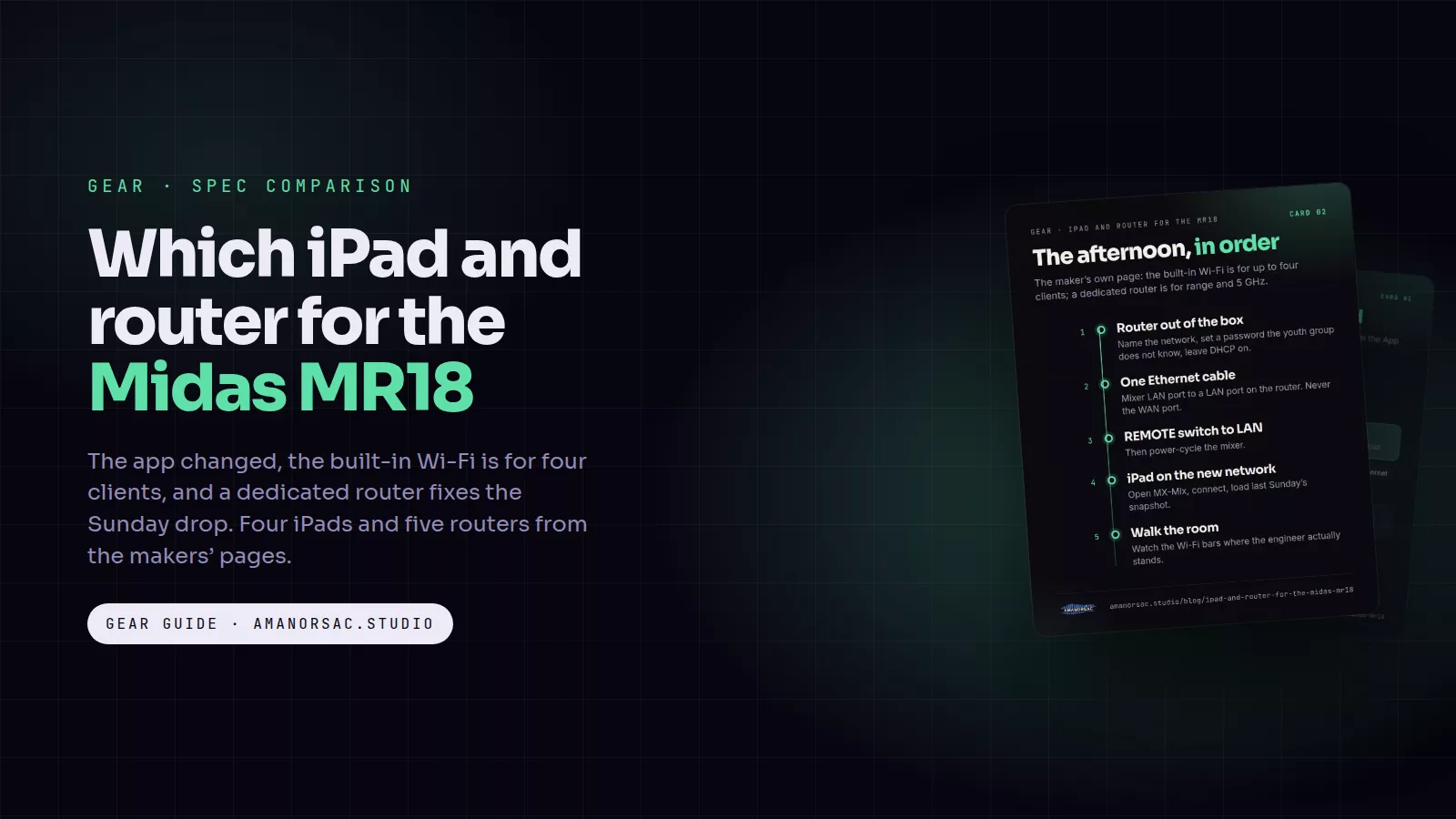
The app dropped. It happens in the middle of the second song, the iPad shows a spinning wheel, and the person behind the desk cannot touch a fader until it comes back. Almost every time someone tells me this story, the mixer is on its own built-in Wi-Fi and the iPad is whatever was in the drawer. Both are fixable in one afternoon, and this is what I would buy.
The cards in this post are free to save and share. Tap one to open it full size.
First, the app changed
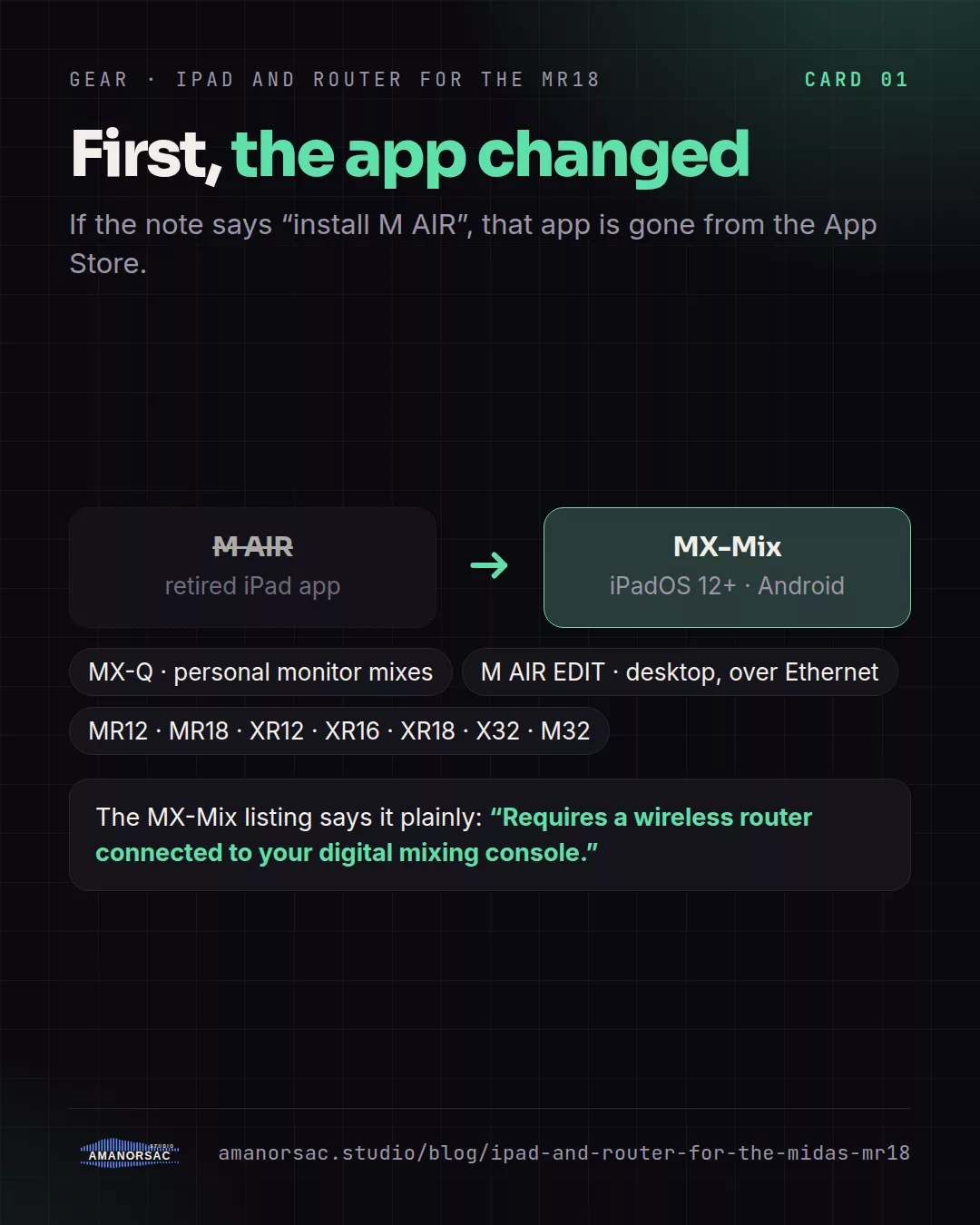
If you were handed an MR18 with a note saying "install M AIR", that app is gone. Apple's store no longer lists the original M AIR and X AIR iPad apps; I checked Apple's own catalogue on the day I wrote this and neither exists in any of the six countries I checked. The current app from Midas and Behringer is MX-Mix, which runs on iPadOS 12 or later and on Android, and mixes the MR12, MR18, XR12, XR16, XR18 and the X32 and M32 families. MX-Q is its little sister for personal monitor mixes. On a computer, the M AIR EDIT desktop editor still works over Ethernet.
The MX-Mix listing says it plainly: it requires a wireless router connected to your mixer. Which brings us to the real fix.
Why the built-in Wi-Fi drops
Midas and Behringer's own product pages say the built-in access point is the easy way to connect "up to 4 clients", and in the same breath they point you at "a dedicated WiFi router, e.g. for extended range or 5 GHz applications". Read that as the maker telling you that the internal radio is a convenience, not a Sunday plan. It is a small 2.4 GHz radio inside a metal box, usually at the back of a stage, in a room full of phones on the same band.
A dedicated router does three things the internal radio cannot: it works on 5 GHz where the phones are not, it has real antennas, and you can put it where the iPad is. You connect it to the mixer with one Ethernet cable into the mixer's LAN port and a LAN port on the router, never the WAN port, flip the mixer's REMOTE switch to LAN, and the iPad joins the router's network. Give the network a name nobody else will join and a password the youth group does not know.
Which router
You do not need a big one. You need dual band, a LAN port for the mixer, and nothing else on it. These five all have an access-point mode, so they can also hang off the church's existing network if you ever want that.
- TP-Link Archer AX21. Wi-Fi 6, dual band, four gigabit LAN ports, router or access-point mode, 12-volt adapter. The sensible default: cheap, boring, works.
- ASUS RT-AX1800S. Wi-Fi 6, dual band, four LAN ports, and it can be a router, an access point, a repeater or a mesh node. Same job as the TP-Link with a better admin page.
- NETGEAR R6700AX. Wi-Fi 6, four LAN ports, access-point mode in the manual. Another safe pick if it is the one your shop has.
- GL.iNet Beryl AX (GL-MT3000). A pocket router: Wi-Fi 6, one LAN port for the mixer, and it runs from USB-C at 5 volts, so a power bank keeps it alive through a power cut and it lives in the mixer's bag. My pick for a portable rig.
- Ubiquiti UniFi Express. Wi-Fi 6, two Ethernet ports, USB-C powered, and the full UniFi management app if the church already runs UniFi. Overkill for one mixer, right if the building is already Ubiquiti.
I left out the ceiling-mount access points such as the UniFi U6 Lite and the Omada EAP225. They are good, but they are access points, not routers: the mixer would need a separate switch, and the EAP225 is Wi-Fi 5. For one mixer and one iPad, a router is simpler.
Which iPad
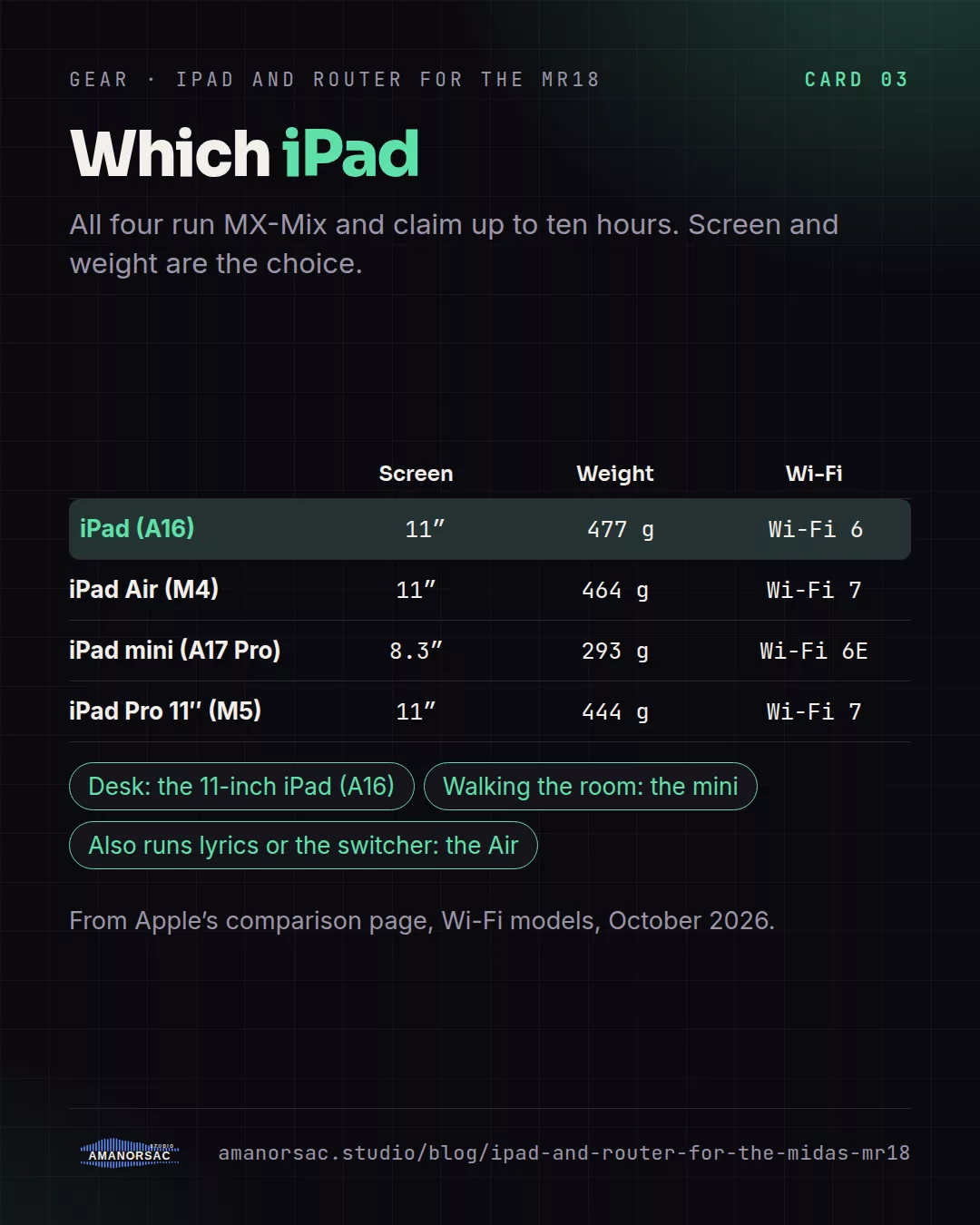
Any current iPad runs MX-Mix. The choice is screen, weight and how long it lasts through a long service. Every current iPad claims up to ten hours, so battery does not separate them; charge it Saturday night and it will be fine. What separates them, from Apple's own comparison page:
- iPad, 11-inch (A16). 11-inch screen, Wi-Fi 6, 477 g, 128 GB to start. The one to buy for a mixer. Faders are big enough, and the money saved goes on the router.
- iPad Air, 11-inch (M4). Same screen size, Wi-Fi 7, 464 g. Faster than a mixer app will ever need. Buy it if the same iPad also does the lyrics or the stream switcher.
- iPad mini (A17 Pro). 8.3-inch screen, Wi-Fi 6E, 293 g. Half the weight, which matters if the engineer walks the room with it, and a smaller screen, which matters when you are chasing feedback with a fader under your thumb. For a mobile engineer, yes; for the desk, the 11-inch.
- iPad Pro, 11-inch (M5). The ceiling. Wi-Fi 7, 444 g, 256 GB. Nothing in a mixer app uses it. Listed so you know you do not need it.
Two cheap things that stop the drop too
- A holder that clamps to a mic stand. The IK Multimedia iKlip 3 takes tablets from 7 to 13 inches on a stand pole up to 30 mm; the Hercules DG307B takes 6.1 to 13 inches on a desk edge or a round or square tube and holds three kilos. An iPad on a stand does not get knocked, unplugged or sat on.
- A Cat 6 Ethernet cable, ten feet. The mixer-to-router link. Any Cat 5e or better is enough; Midas says Cat 5e on the product page. Buy two and tape one inside the mixer case.
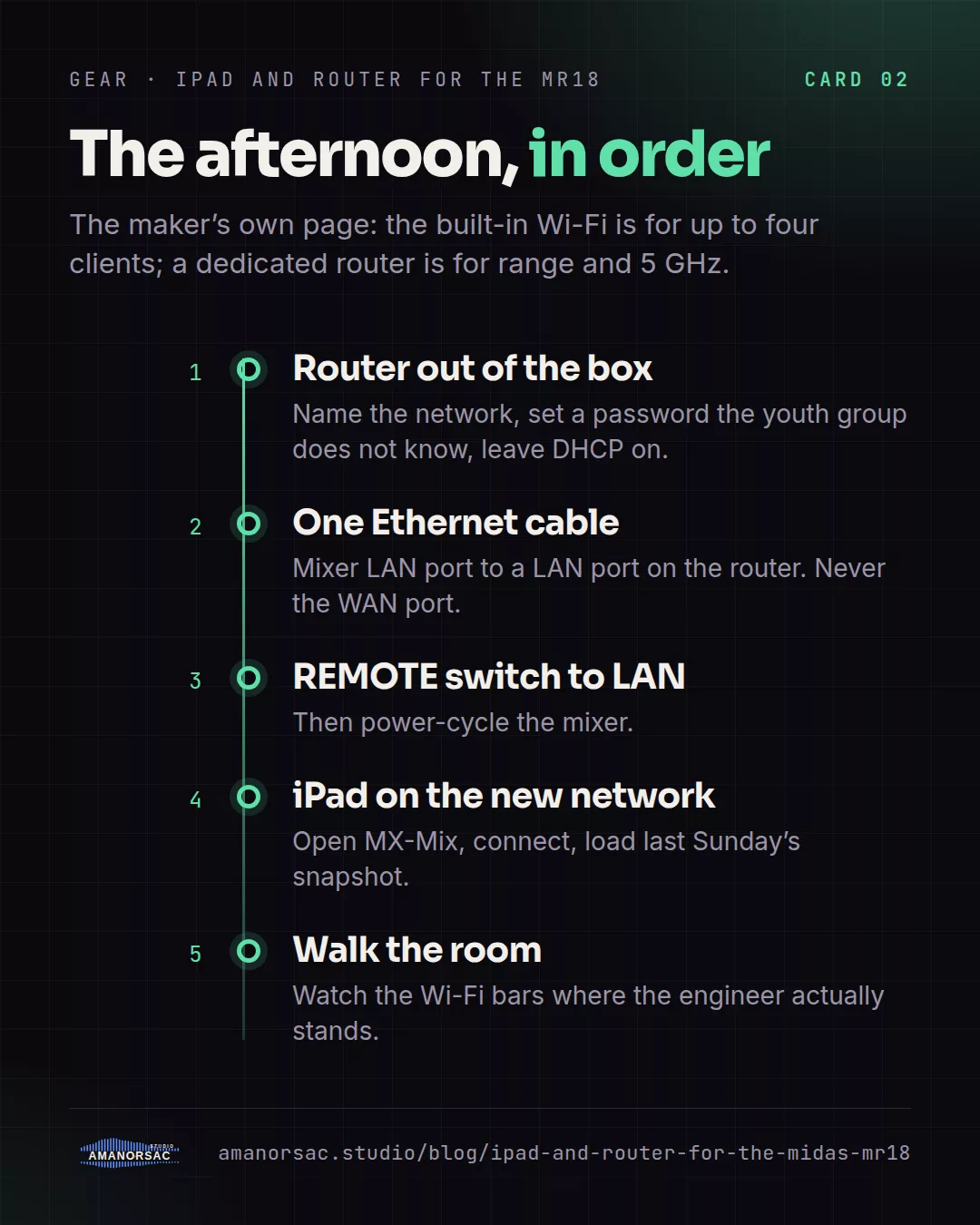
The afternoon, in order
- Router out of the box, set a network name and password, leave DHCP on.
- Ethernet from the mixer's LAN port to a LAN port on the router.
- REMOTE switch on the mixer to LAN. Power-cycle the mixer.
- iPad onto the new network, open MX-Mix, connect.
- Load last Sunday's snapshot. Walk the room with the iPad and watch the Wi-Fi bars.
Then read the MR18 mixing guide for what to do once the app stays connected.
App facts were checked against Apple's App Store catalogue and the MX-Mix listing on 14 October 2026; the Wi-Fi guidance is quoted from the Midas MR18 and Behringer XR18 product pages; iPad figures are from Apple's comparison page and router figures from TP-Link, ASUS, NETGEAR, GL.iNet and Ubiquiti's own spec pages. Makers change things; if you spot a change, tell me and I will fix it.
Written by Stephen Amanor Sackey — producer, mix engineer and music director, Virginia. More about the studio.