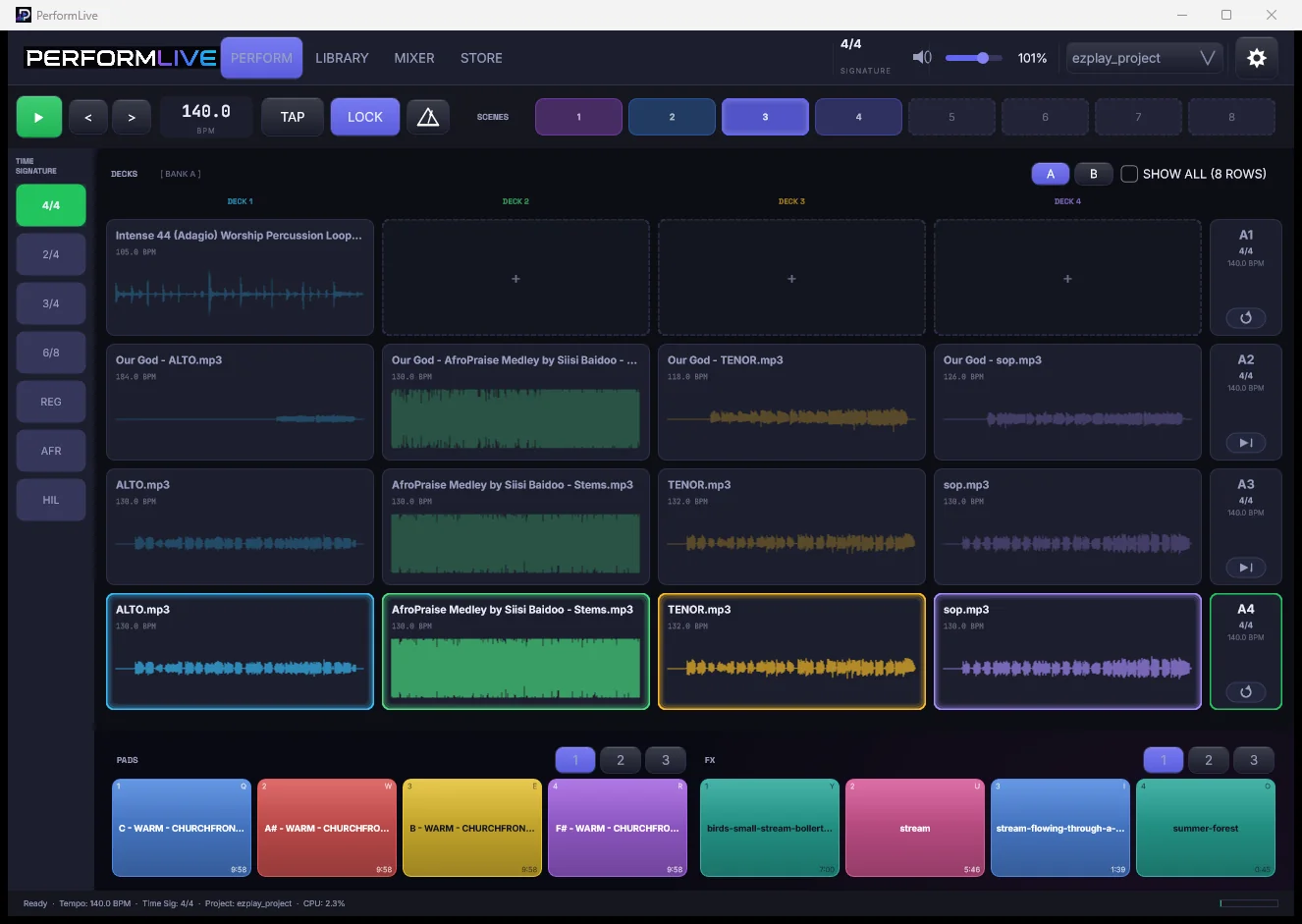
PerformLive is a multitrack playback and stem performance instrument for the stage. Mute a layer mid-song, switch sections on the bar, hold a pad between moments — with the mix your producer built untouched underneath.
Version 0.4.1 · Windows, and Mac on both Apple silicon and Intel · free for thirty days from the day you claim your key
Everything you'd reach for mid-song. Nothing you wouldn't.
Performers with backing tracks are stuck between a DAW that is dangerous on stage and a stereo bounce that cannot change its mind. PerformLive is the third option.
Drop the drums. Keep the pad.
Every stem is independently mutable while it plays. Breakdowns, a cappella moments, and "just the keys" become live decisions instead of separate bounces.
Hold the room.
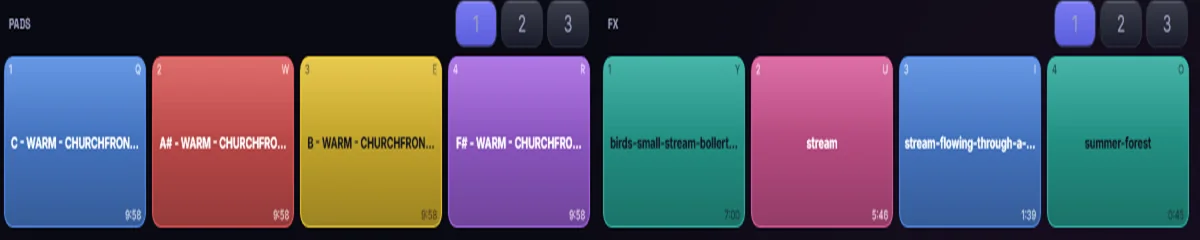
Twelve colour-coded pads for atmosphere and one-shots. Tap to start, tap to stop, glowing the whole time they sound. A prayer that runs long is no longer a problem.
A real grid, when you need one.
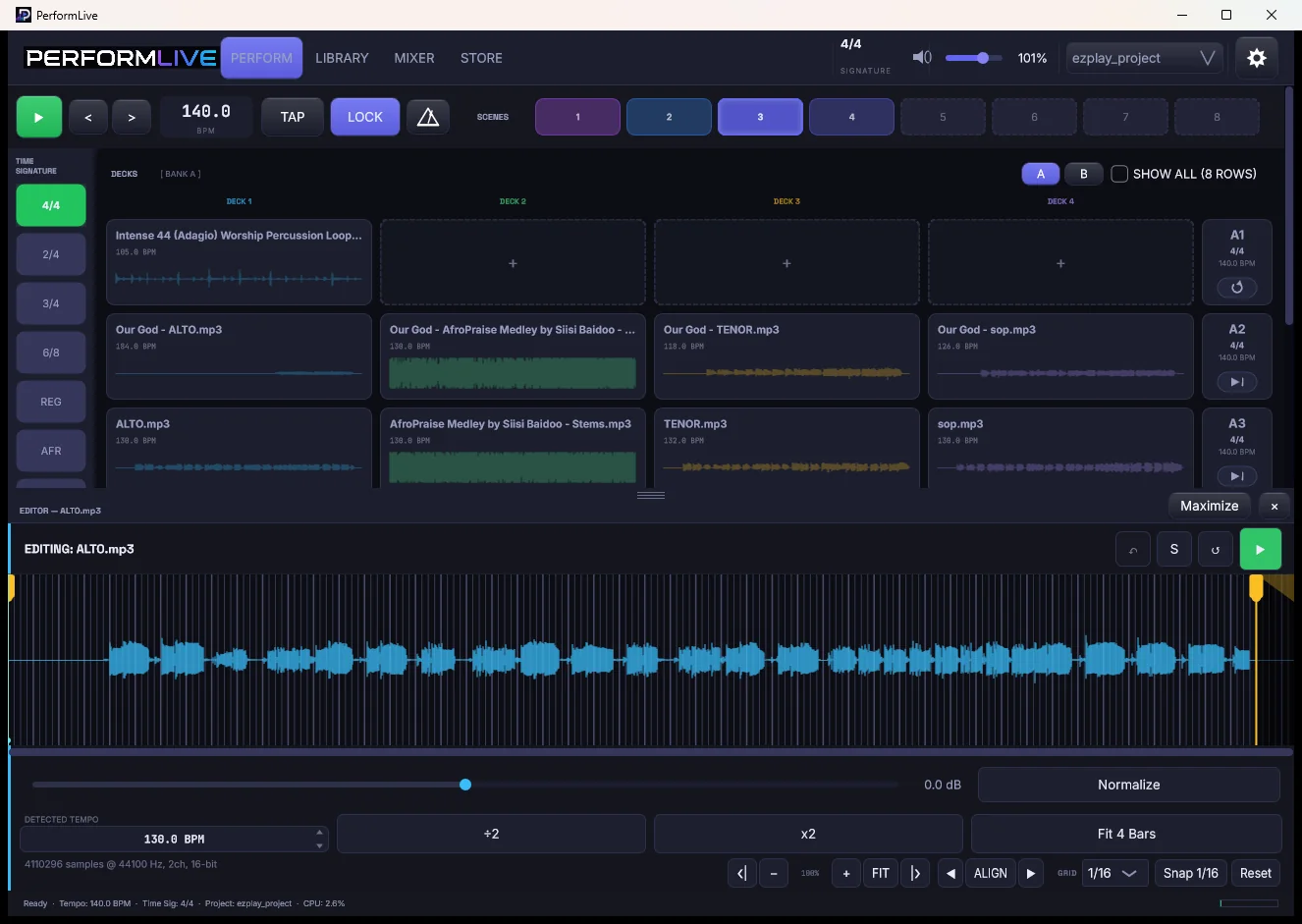
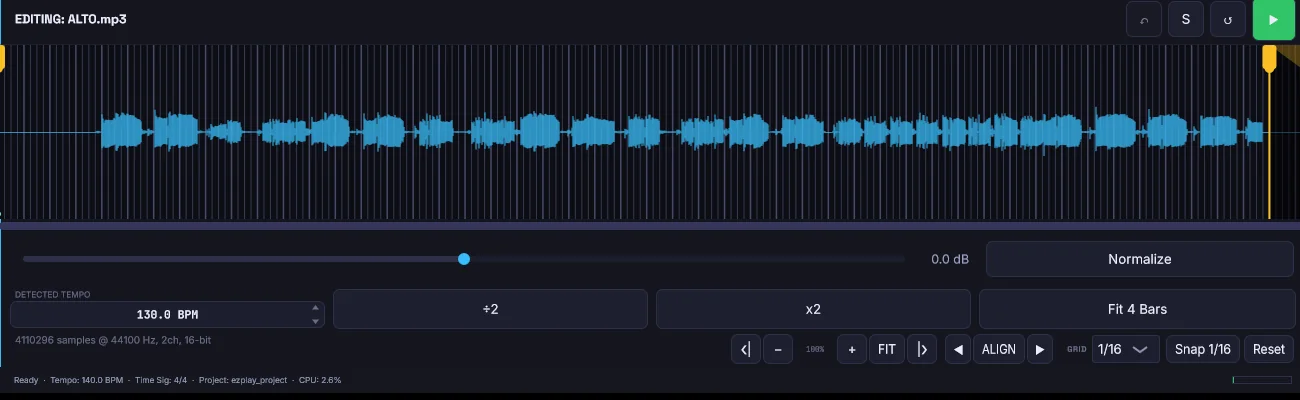
Bar, 1/2, 1/4, 1/8, 1/16, 1/32, with start and end markers, 64x zoom, and snapping that follows the grid you can actually see.
Cues that land on the bar
Trigger a row while another is playing and the switch queues to the next bar. Transitions arrive musically, not whenever your finger did.
A whole song in one tap
Scenes recall the row, the stems, the tempo, and the pads together. Set changes stop being a scramble.
Your audio, untouched
No auto-warp, no auto-trim, no fades. Tempo is detected and shown, never imposed. What you exported is what the room hears.
From stems to stage in four steps.
Import
Drag stems in from anywhere. Tempo is detected on arrival.
Arrange
Drop them onto decks. Name and colour your rows.
Scene it
Capture each song as a scene.
Perform
Recall, trigger, mute, hold.
Fifty seconds on the stand.
Stems in, clips marked, pads and FX under the fingers, the set running. No sound — this is the screen, not the show.
PerformLive, recorded in one take · 54 seconds · no sound
Around the instrument.
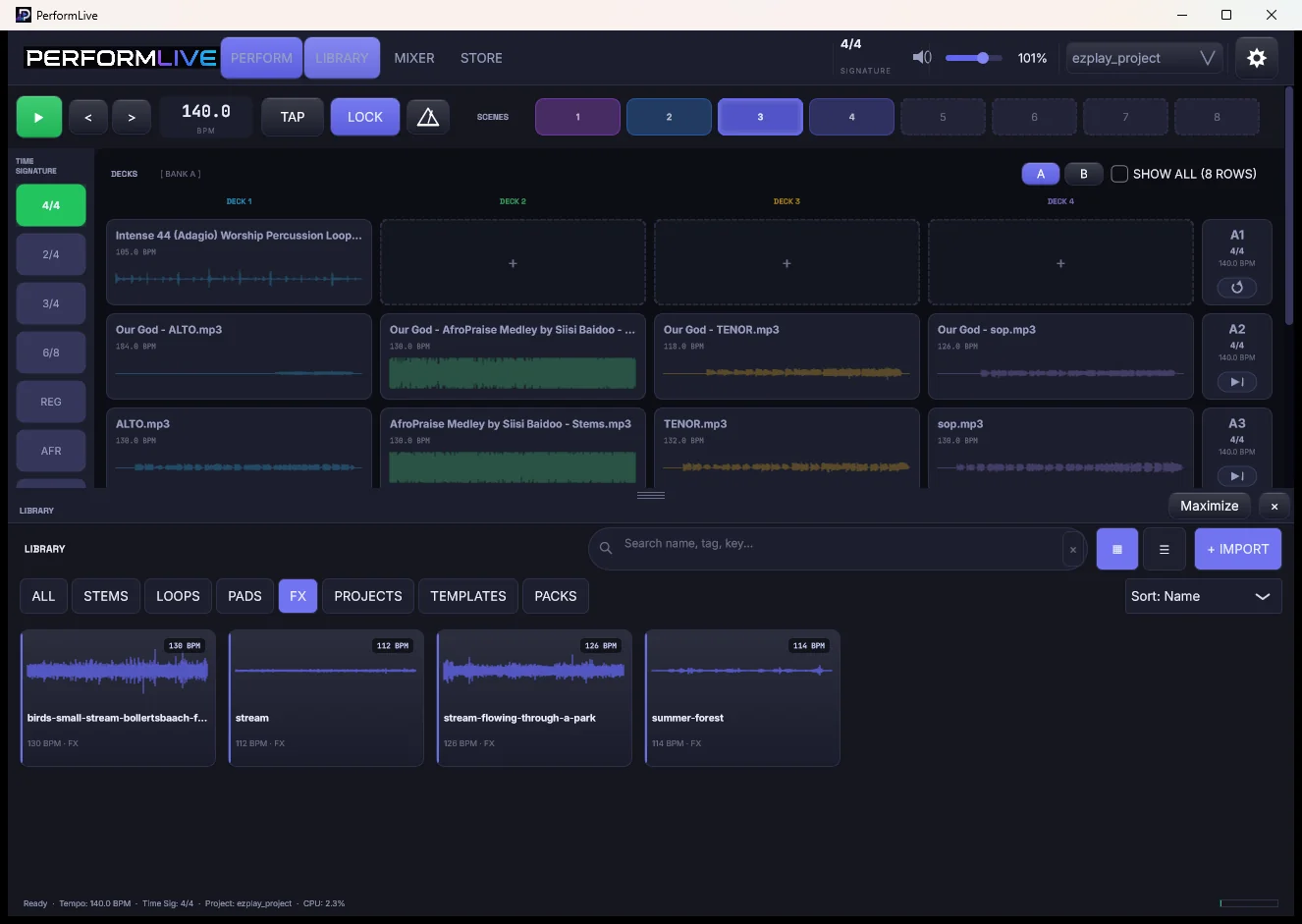
The library: stems tagged with tempo and key, searchable.
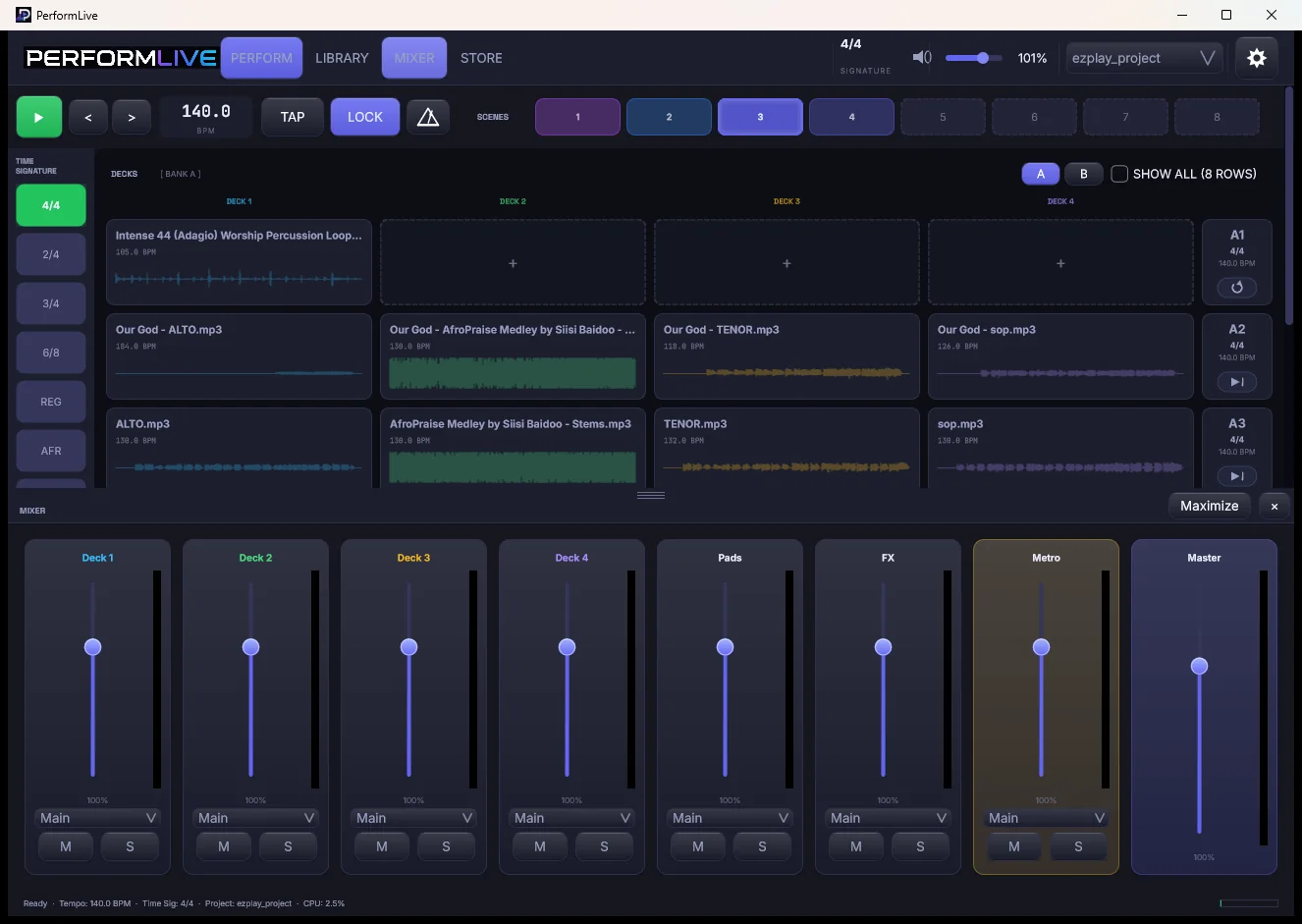
The mixer: a fader per channel, with per-channel output routing.
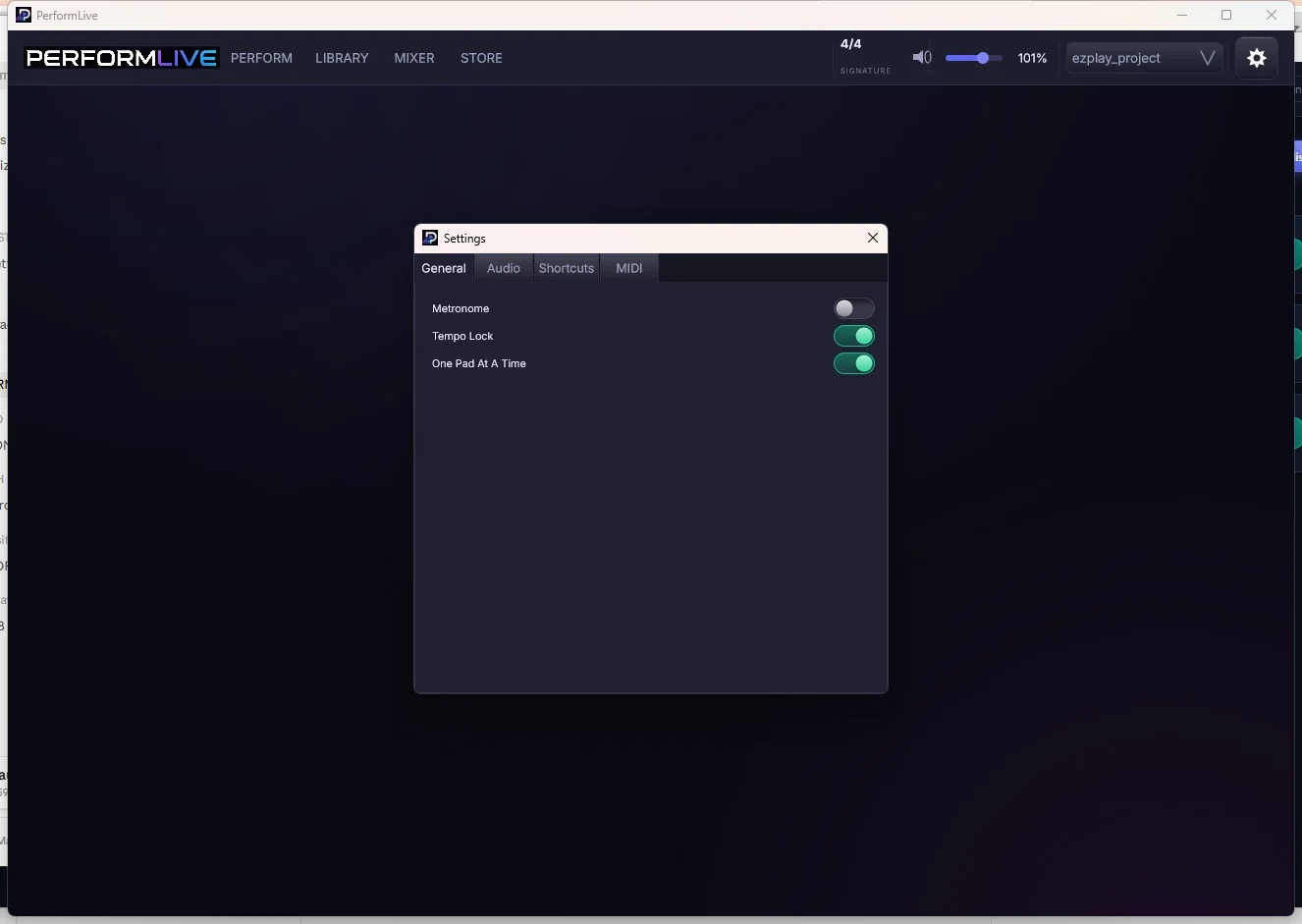
Settings: audio device, buffer, and MIDI Learn for rows, pads and FX.
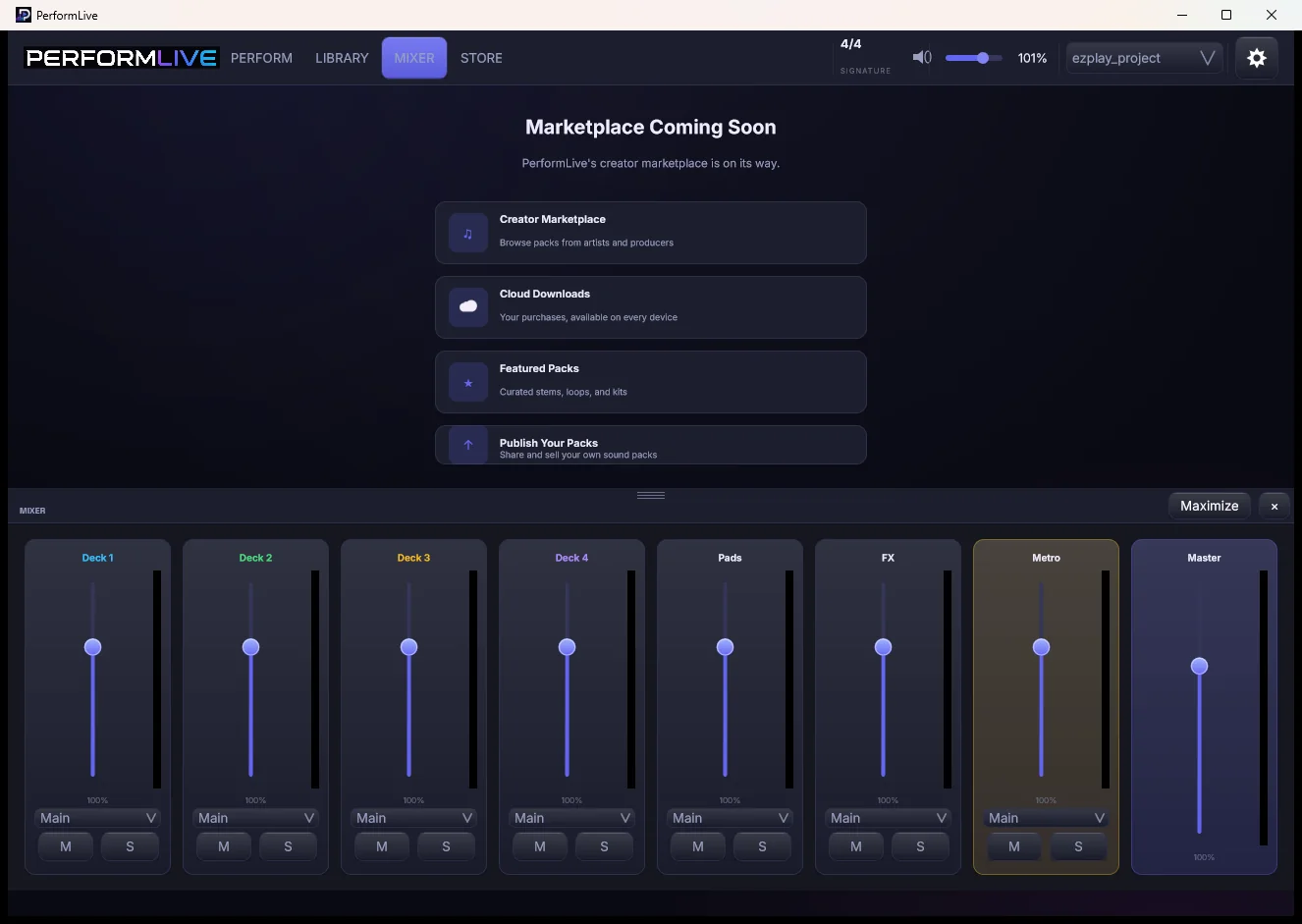
The built-in store, ready for loop and stem packs.
Why not just use a DAW?
DAWs are excellent tools for a different job. This is about fit for the stage, not quality.
PerformLive
A DAW on stage
A stereo track
Per-stem control live
Core function
Possible, buried
Impossible
Designed for touch
Every control
Mouse-first
Trivially
Risk of a wrong touch
Low by design
High
Low
Modifies audio by default
Never
Often
Never
Volunteer-operable
Yes
Rarely
Yes
Bar-quantised cues
Yes
Yes
No
Learning curve
Minutes
Weeks
Minutes
Engineering, not promises.
Files are read, never modified
No warping, trimming, fading or normalising on load. Time-stretch happens only when you explicitly ask.
No network activity
The shipping build makes no network requests at all. Nothing phones home mid-service.
Autosave every minute
Crash mid-set and the next launch offers the recovered session. The project file itself stays untouched.
MIDI Learn on everything
Row triggers, pads, and FX slots each bindable to a controller or a foot pedal.
Questions, answered.
Is this a DAW?
No. There is no arrangement timeline, no plugin hosting, and no mixing suite. PerformLive is for performing finished material. Most users produce in a DAW and perform in PerformLive.
Will it change my audio files?
No. Files are read, never modified. Tempo is detected and displayed but not applied. Time-stretching happens only if you explicitly set a row tempo or engage LOCK.
What formats does it read?
WAV, AIFF, FLAC, MP3, and OGG.
Does it work with a touchscreen?
Yes, that is the primary design target. It also works fine with a mouse and keyboard.
Can I use a MIDI controller or foot pedal?
Yes. Row triggers, pads, and FX slots can each be bound via MIDI Learn.
Can I send different stems to different outputs?
Yes. Each mixer channel has an output route for multi-output interfaces.
What happens if it crashes mid-set?
Autosave runs every minute; on the next launch you are offered the recovered session. Your project file is separate and untouched.
Is there a Mac version?
Yes, from 0.4.0 — it is in the beta alongside the Windows build. Both are the same version and the same licence key.
The next set is the one to try it on.
PerformLive is in final testing. Ask for early access and you will hear when it is ready, and what it costs, before anyone else.