

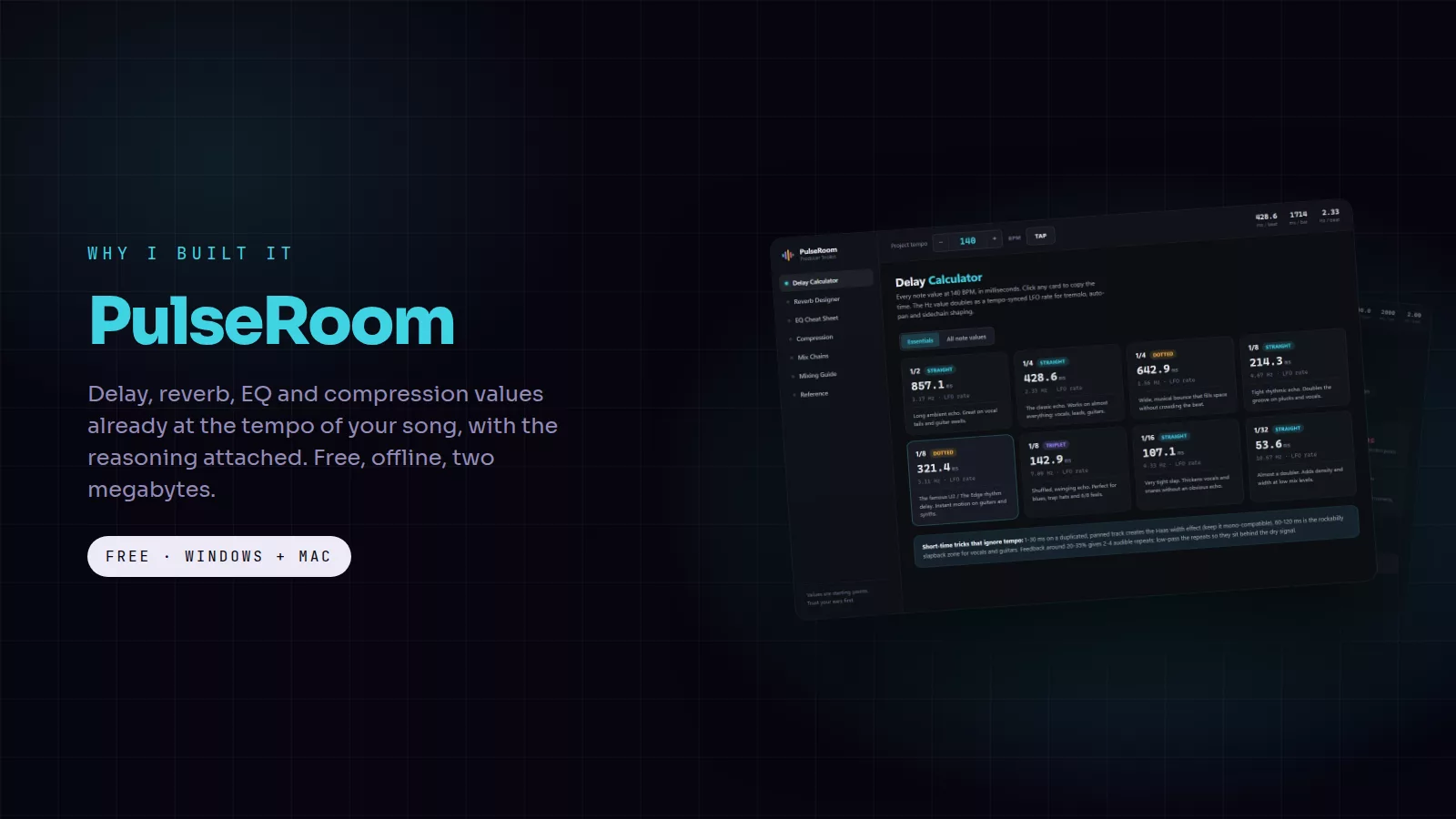
The mix is flowing and then you need to know what delay time fits 140 BPM, where the mud lives on a vocal, or what attack keeps a kick punchy. The answers exist, spread across calculator sites full of adverts, a cheat-sheet PDF somewhere in your downloads and a YouTube video you half remember. Every lookup costs five minutes and the thread you were pulling. PulseRoom is every one of those answers in one place, already set to the tempo of your song, and it is free.
The cards in this post are free to save and share. Tap one to open it full size.
What it does
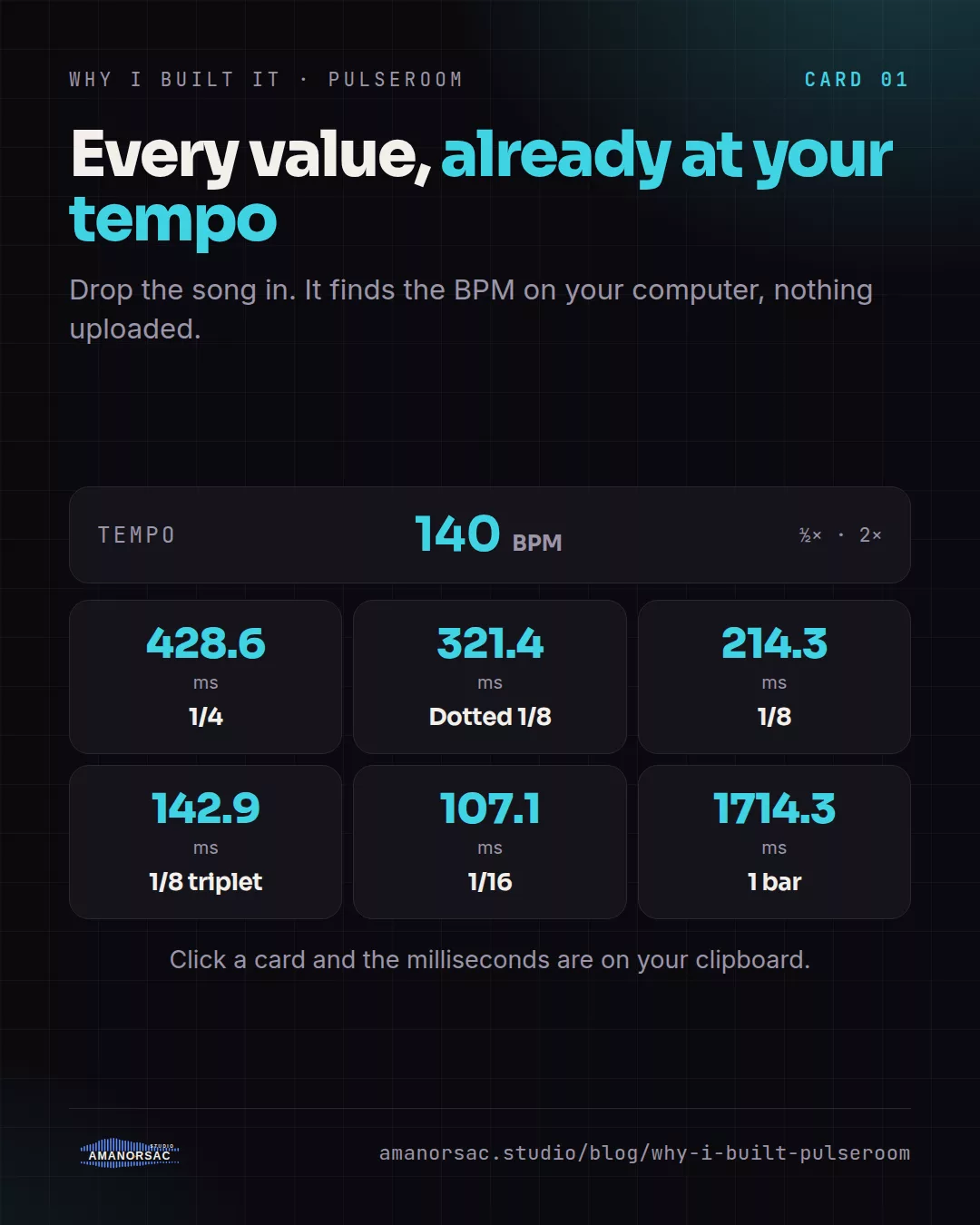
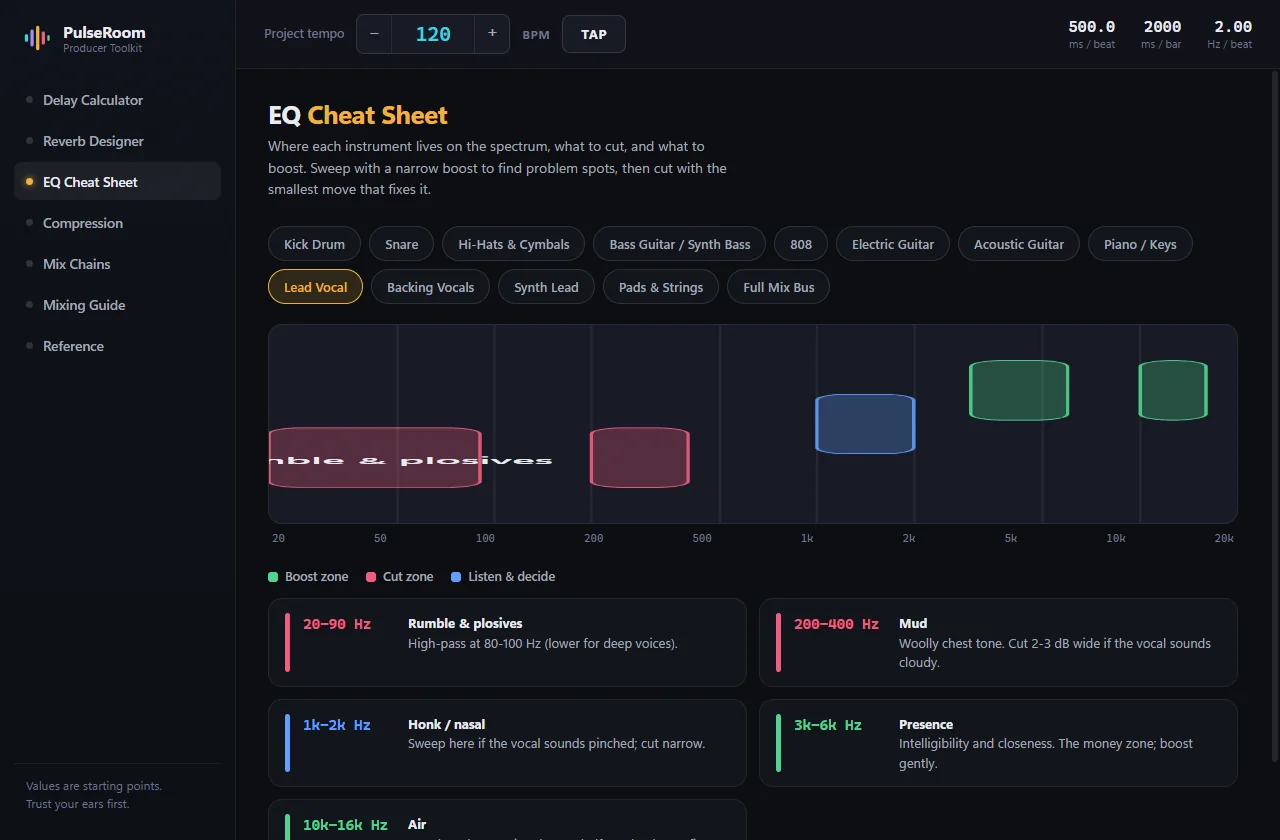
Drop a song onto PulseRoom and it works out the BPM in a few seconds, on your computer, so nothing is uploaded. You can also type, nudge or tap the tempo. The tempo bar sits above every page like a DAW transport, with milliseconds per beat and per bar in view, and half-time and double-time buttons move every value with one click.
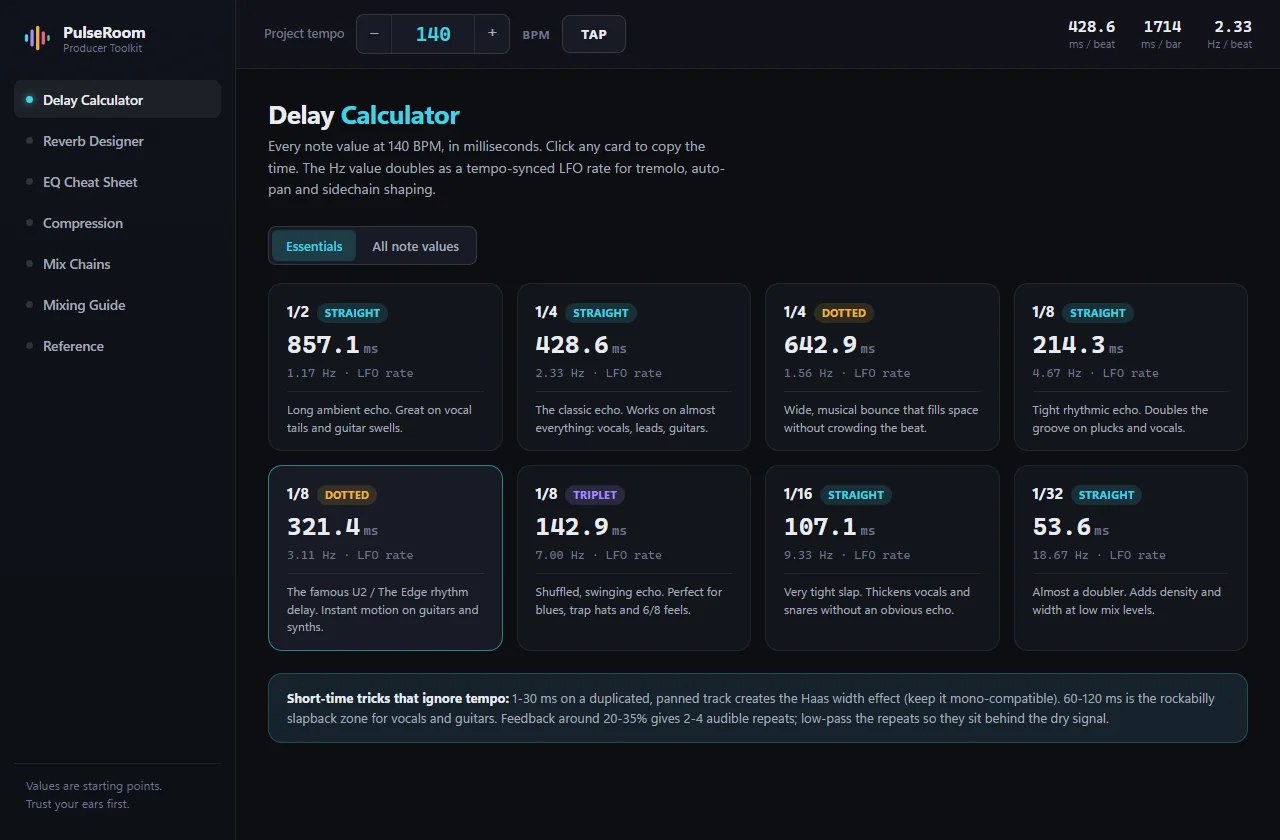
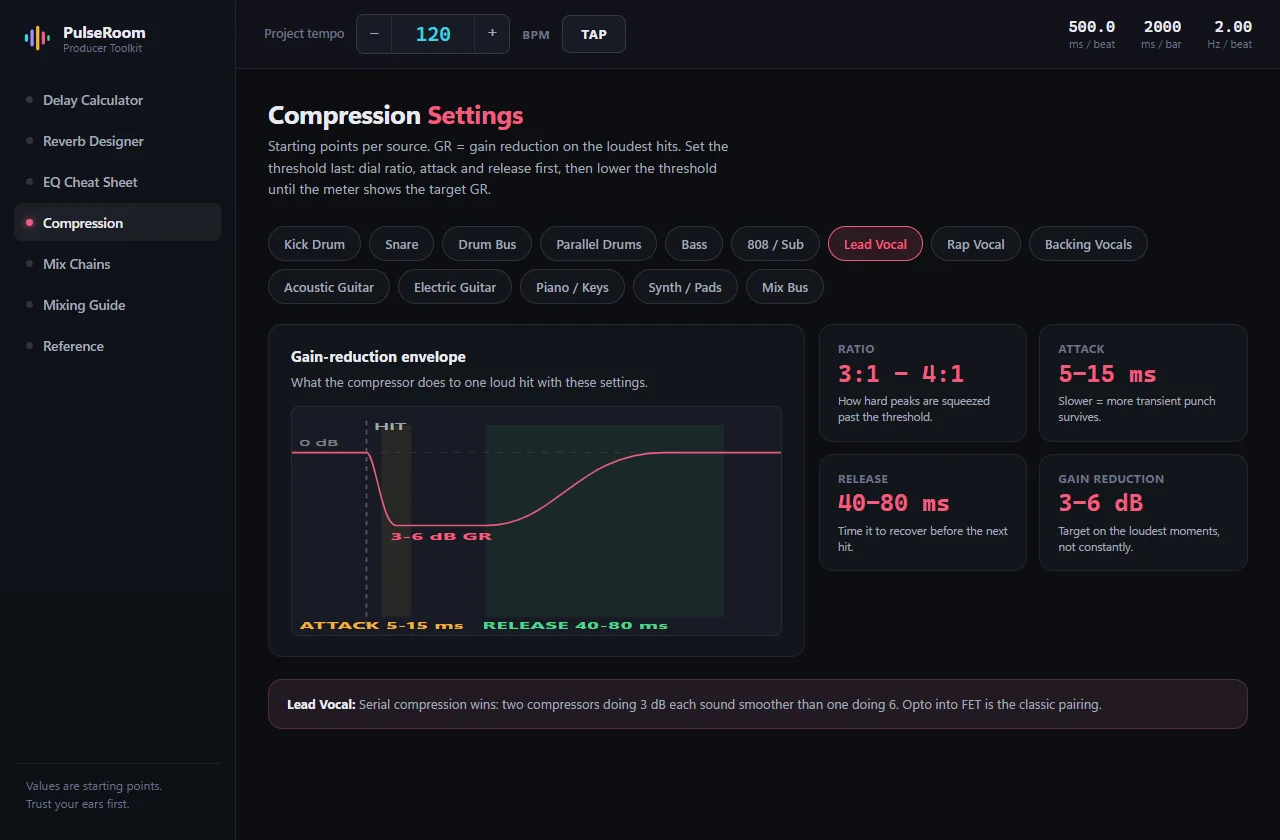
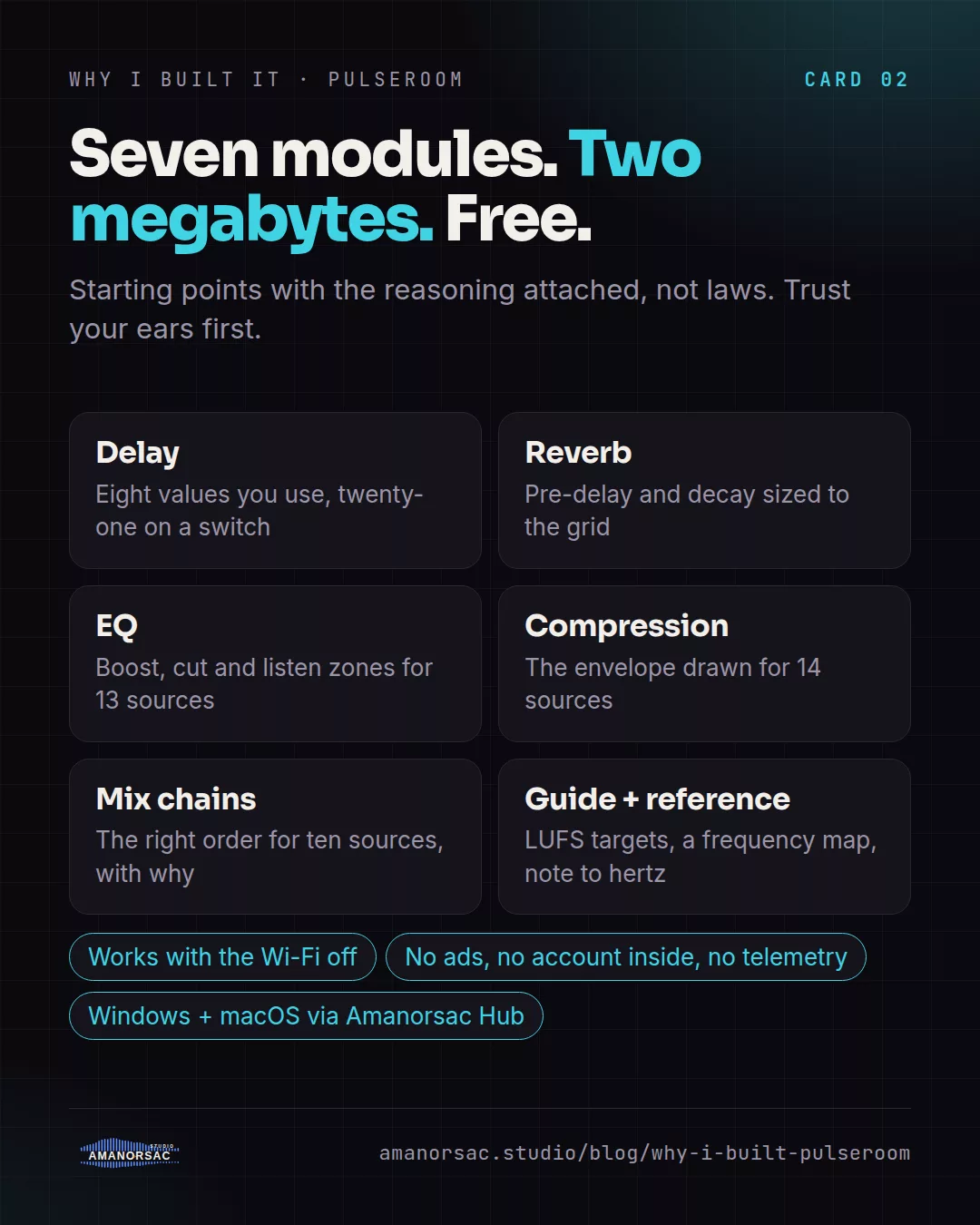
Seven modules. Delay opens on the eight values you actually use, 1/4, dotted 1/8, 1/8 triplet and so on, each with a note on what it is for, and a full grid of twenty-one values one switch away; click a card and the milliseconds are on your clipboard. Reverb picks a space from a tight ambience to a cathedral and sizes the pre-delay and decay to the grid, with the send EQ curve drawn for you. EQ paints the boost zones, cut zones and listen-first zones for thirteen sources onto a real log-scale spectrum, with the reason under each band. Compression draws the gain-reduction envelope for fourteen sources, so attack and release are shown instead of described. Mix chains lay out the right order for ten sources with a card explaining why. Then a mixing guide and a reference page with LUFS targets, a frequency map and note to hertz.
It is about two megabytes, it opens faster than the browser tab it replaces, and it works with the Wi-Fi off.
Why it is free
It is the tool the studio uses every session, and the values in it are starting points with the reasoning attached, not laws. The app's own sidebar says so: trust your ears first. Giving it away is the easiest way to show how this studio thinks about a mix.
What else is out there
Browser calculators give you tempo-synced numbers after you type the BPM again on every site, with no why and no offline. PDF cheat sheets are static and generic. PulseRoom is live across the whole app, visual and per source, explains every value, works offline and copies on a click.
Who it is for
Anyone mixing, from the first session to the thousandth. Students, because the why is attached. Church and live engineers who need the delay and reverb sized to the song before soundcheck.
Price
Free, with no ads, no account inside the app and no telemetry. It installs through Amanorsac Hub with a free account, on Windows and macOS, and works offline once installed. It is a standalone companion app, not a plug-in, so it works beside every DAW.
Written by Stephen Amanor Sackey — producer, mix engineer and music director, Virginia. More about the studio.