
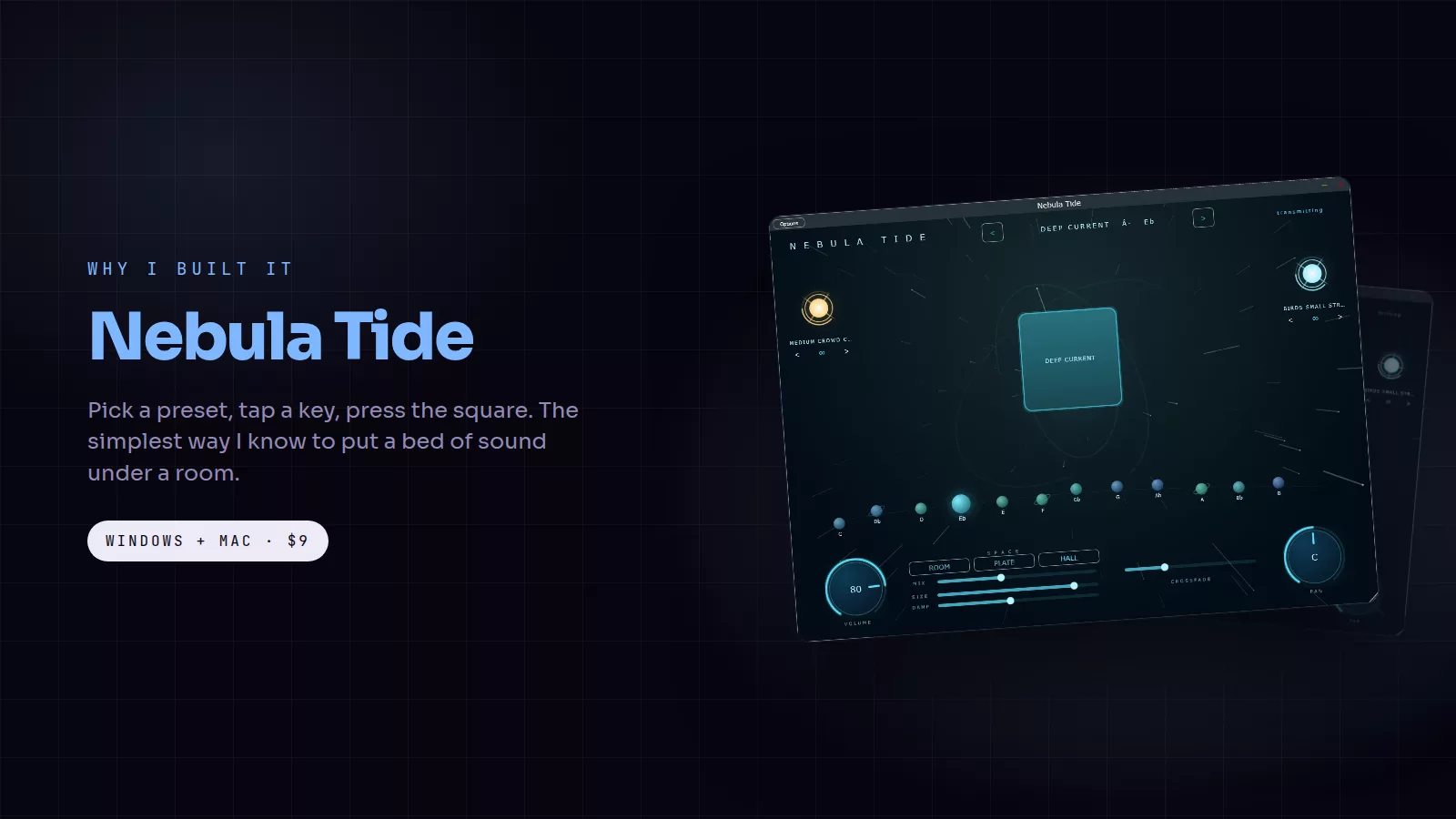
Before there was a shimmer, a studio page and a drag to the timeline, there was one question: can a pad start when I press it and not stop until I say so, in the right key, without ever clicking? Nebula Tide version 1 is the answer to exactly that question, and it is still the simplest way I know to put a bed of sound under a room.
The cards in this post are free to save and share. Tap one to open it full size.
What it does
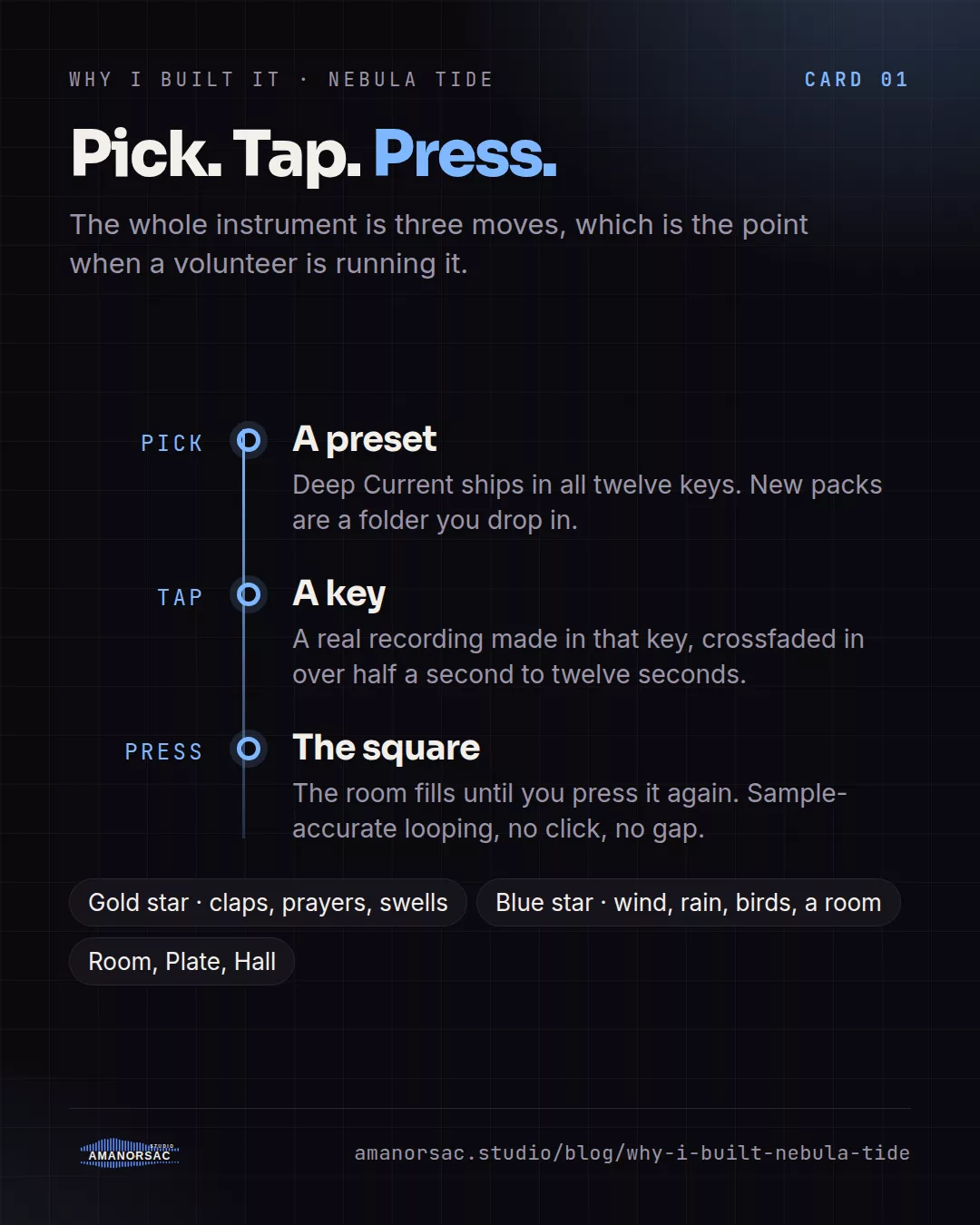
Pick a preset, tap a key, press the square. The room fills until you press it again. Every preset ships as twelve separate studio recordings, one for each key, so nothing is pitch shifted anywhere in the engine. When you tap a key, the pad crossfades into a recording that was actually performed in that key, over a crossfade you set from half a second to twelve seconds. Looping is sample accurate, so a pad can run for a whole service without a click or a gap.
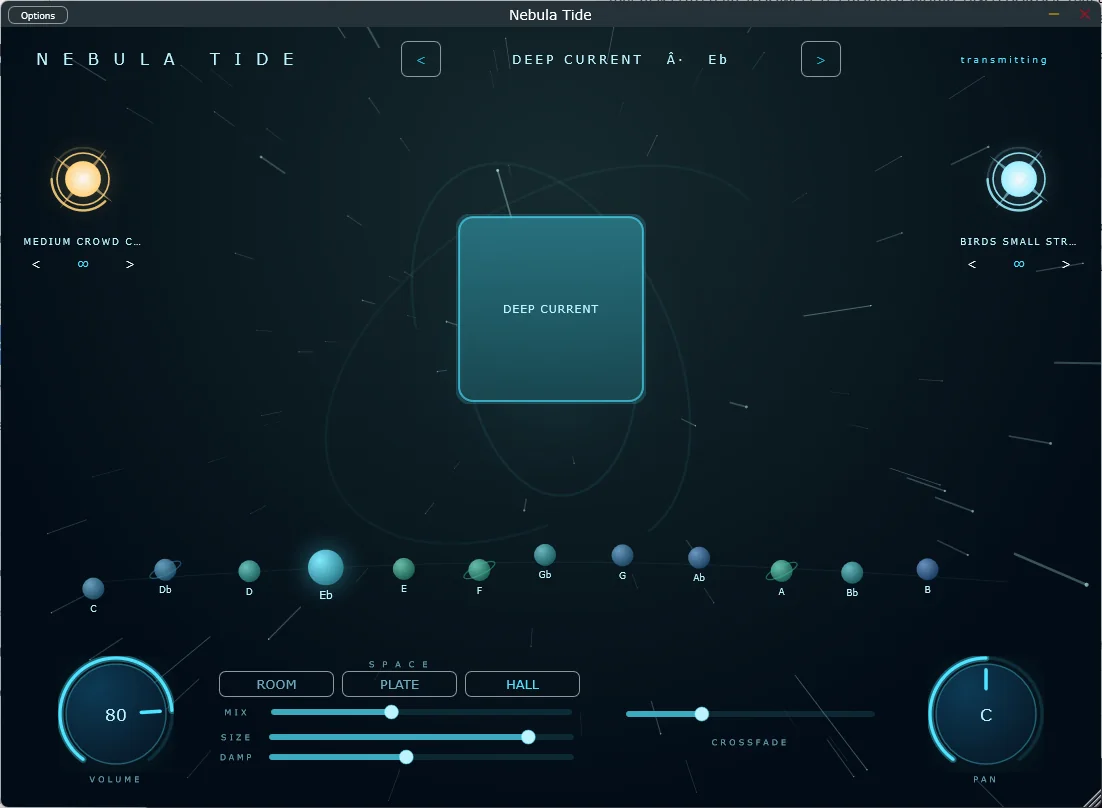
Two stars sit beside the keys. A gold one plays effects such as claps, prayers and swells. An ice-blue one plays textures such as wind, rain, birds and a room full of people. Both loop on their own, both survive a preset change, and both fade out gracefully when the pad stops. Room, Plate and Hall are there for space, each tuned to the character of the classics.
The interface breathes with the sound. The square pulses, the starfield speeds up with the output and the aurora turns. It reads as an instrument, not a panel of controls, which is the point when the person running it is a volunteer.
Why a version 1 still exists
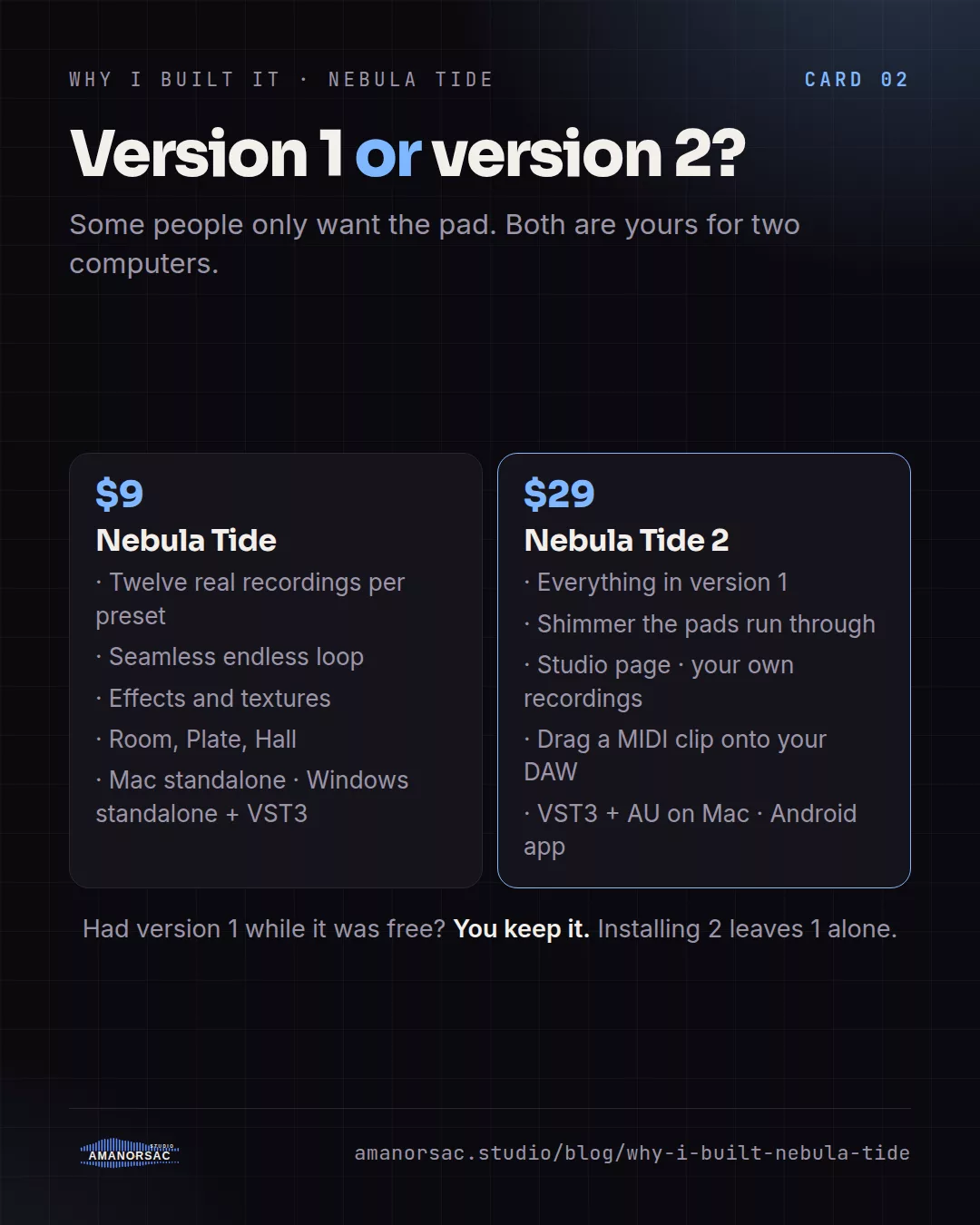
Version 2 is the bigger instrument, and some people only want the pad. Version 1 is $9, it runs as a standalone app on Mac and as a standalone and VST3 on Windows, and it includes the Deep Current preset in all twelve keys. New sound packs are a folder you drop into the presets directory, with no installer and no app update.
Everyone who downloaded it while it was free keeps it. It stays in My Apps and in the Hub and nothing is asked of you.
What else is out there
Pad loop packs are files: they often click at the loop point, there are no one-click effects, and you need something to play them in. Synth pads are endless but need programming and a plug-in host. YouTube pads end, or an advert does, and they are in whatever key the uploader chose. Nebula Tide has all twelve keys really recorded, a seamless endless loop, one-click effects and textures, and it is safe to put on a stage.
Who it is for
The worship keys player who needs the transition covered. The leader who prays long. The small church whose "band" is one person and a laptop. Anyone who has ever hunted YouTube for "pad in E flat" five minutes before a service.
Price
$9, once, for two computers, installed and updated through Amanorsac Hub. If you want the shimmer, your own presets and the drag to the timeline, that is Nebula Tide 2.
Written by Stephen Amanor Sackey — producer, mix engineer and music director, Virginia. More about the studio.